What Darwin Childcare Centres Should Automate First
Which admin jobs Darwin childcare centres should automate first with AI: waitlist enquiries, enrolment paperwork, parent updates, and what to leave human.
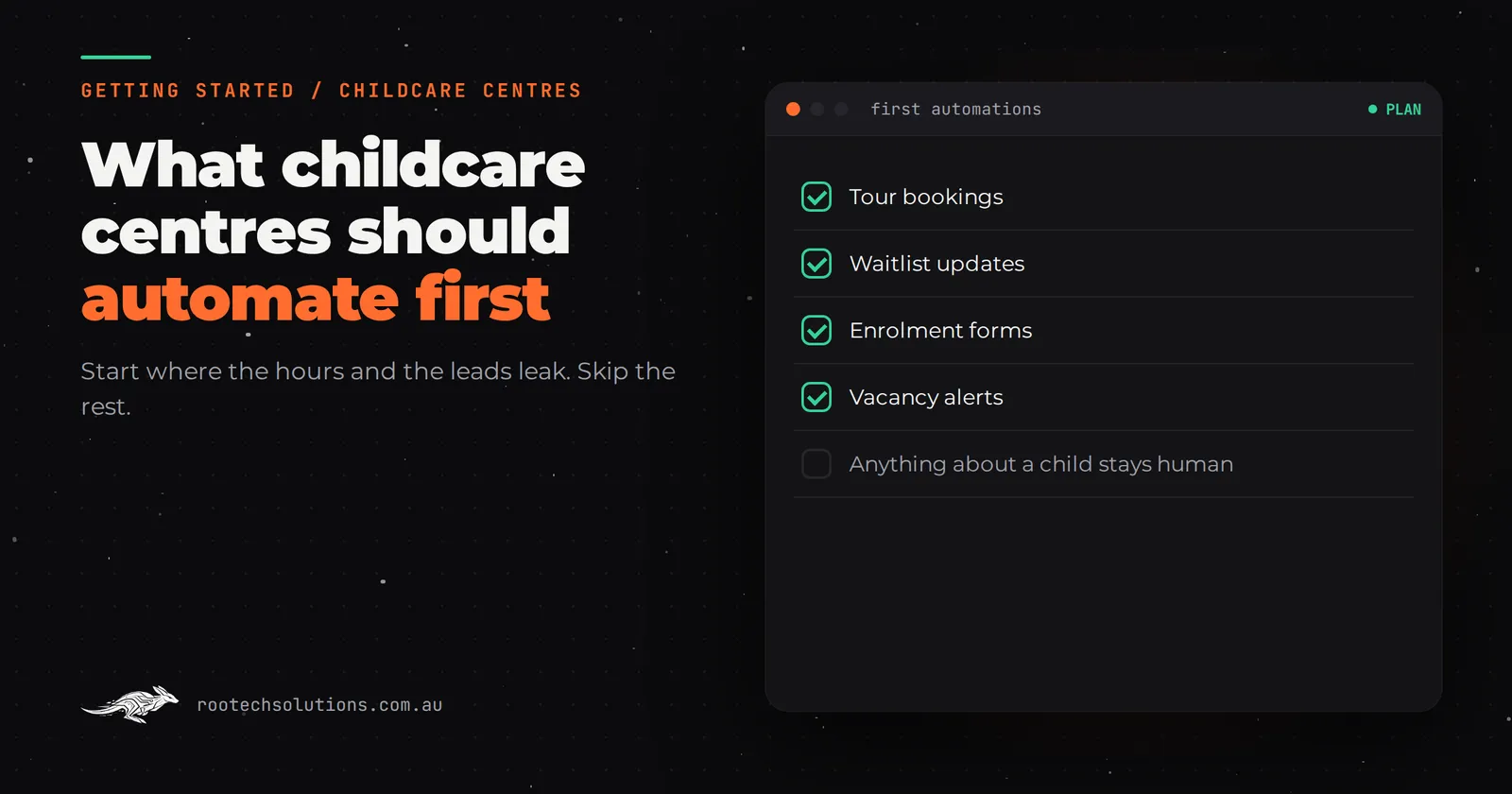
A director of an early learning centre in Darwin does not spend the day teaching. She spends it chasing enrolment forms, answering the same waitlist question eleven times, and typing the same details into a booking app, a spreadsheet and a government portal. AI automation can take a real chunk of that, but only if you pick the right job first. Most centres that try AI start with the flashiest thing available and give up.
Short answer: Darwin childcare centres get the most value from automating waitlist and enquiry follow-up first, then enrolment paperwork, then parent communications. Leave incident reporting and anything about a child's wellbeing firmly human. Start by counting one week of enquiries so you know where the leak actually is.
Why childcare admin is worse than most industries
A hair salon books one service at a time. A childcare centre is running a waiting list, a changing roster of enrolled children, government administrative requirements, orientations, incident records and daily parent updates, usually with one admin person and a director wearing both hats.
The pain is not one big task. It is a dozen small ones, each taking minutes, each repeating weekly:
- Every enquiry needs the same answer about vacancies, fees and orientation.
- Every enrolment means chasing birth certificates, immunisation records and medical plans.
- Every casual booking day means re-checking ratios and rooms.
- Every new parent needs the same welcome pack and the same first-week questions.
Because each task is small, none of it feels worth fixing. Add it up across a year and it is hundreds of hours that a single admin person will never get back.
What to automate first, second and third
First: waitlist and enquiry follow-up
An enquiry that sits unanswered for a day usually goes cold, because the family is touring three centres. An AI assistant can reply to a web or phone enquiry within minutes: current vacancies by room, approximate fees, next open day, and a booking link for a tour. It answers only from the information you approve, it escalates anything unusual to your director, and it never invents a fee.
This is first for a simple reason: it is the automation that protects revenue. A filled place is worth thousands of dollars a year in Darwin, where demand for quality centres consistently outstrips supply in many suburbs. Slow follow-up on a waitlist enquiry is the most expensive minutes a centre loses.
The same "reply fast, then hand over" pattern works in other service businesses too; we broke it down in how Melbourne dental practices start with AI automation.
Second: enrolment paperwork and document chasing
Once a family says yes, the paperwork starts: enrolment forms, birth certificates, immunisation statements, medical action plans, direct debit details. An automation can generate the right form set for the child's room, chase missing documents with friendly reminders, and drop everything into your system once it arrives. No more printing, scanning or calling parents mid-shift.
Third: routine parent communications
Daily updates, lunch-order reminders, orientation instructions, photo-day notices. Most of these are written from templates already; the only reason they are late or inconsistent is that there is no time. An AI layer can draft each message from your approved templates and send them at the right moment, with a human checking anything that concerns a specific child.
What to skip for now
Do not automate incident, illness or behaviour documentation, and do not put an AI between a worried parent and your staff. Those records carry regulatory weight, parents judge you on how they are handled, and a wrong AI summary here is a risk no centre should take. A good rule: automate the transactions, keep the conversations.
The DIY step you can do this week
Before you spend anything, measure the leak. For five days, write down every enquiry: when it arrived, when someone answered it, and what the parent asked. Then answer three questions.
- How long did the average enquiry wait for a reply?
- How many enquiries went completely unanswered?
- What was the most repeated question?
That one-page tally tells you which automation to build first, and it tells any developer exactly what to quote. If you answered more than two hours late, or let any enquiry drop, follow-up is your first build. If enquiries are answered fast but families stall during enrolment, paperwork is. Centres that skip this step often build the wrong thing; the priority list in which job to automate first for mechanic workshops came out of exactly this kind of count.
You can also turn on features you already pay for. Most childcare management platforms have automated reminders, waitlist status emails or messaging templates switched off by default. Ten minutes in the settings might solve your third-priority problem for free.
Off-the-shelf software versus a custom layer
Darwin centres usually already run a childcare management platform for bookings, ratios and payments. That software is good at what it does, and it should stay. The gap is around it.
Off-the-shelf platforms handle transactions. They are weak at intelligent, personalised work: reading a free-text enquiry and answering the actual question, chasing five different documents from one family and knowing which one is still missing, or drafting a parent update in your centre's tone. That is where a custom AI layer earns its keep, because it sits on top of your existing platform rather than replacing it.
That split, keep the platform and add the AI layer, is the same argument we make for removalists weighing a quoting tool and in the off-the-shelf versus custom decision in general. If you want the cost side of the decision for childcare specifically, see what AI automation costs a childcare centre, and if you are worried AI will make the centre feel impersonal, that objection is worth reading properly before deciding.
What the first build looks like
A first project at a Darwin centre is deliberately small. Discovery happens over video, the build runs in the cloud, and anything installed at the centre arrives pre-configured and is set up with your team on a call. Most builds like this go live in two to four weeks.
- Scope: enquiry follow-up first, connected to your website form and your phone or messaging.
- Integrates with: your existing childcare platform, your email, your calendar for tour bookings.
- Guardrails: answers only from approved information, escalates to a person when unsure, never quotes a fee it was not given.
- Human in the loop: your director or admin lead approves the reply templates and reviews anything the assistant was unsure about.
Running costs are usually modest: hosting under $50 a month, and AI usage typically $20 to $200 a month depending on enquiry volume. The fixed price is agreed up front, so you know the total before you commit.
How this looks on a normal Darwin day
Before: an enquiry at 7:40pm sits in the inbox until 11am, by which point the family has booked a tour elsewhere. After: the parent has their answer, and a tour time, before they close the tab.
Before: enrolment paperwork trickles in over three weeks of chasing. After: the missing documents are requested automatically, and the file completes in days.
Nothing about the children changes. What changes is that your admin person starts the day working the list instead of typing into it.
Takeaway
Automate enquiry follow-up first, enrolment paperwork second, routine parent messages third. Skip anything involving a child's incident record or a worried parent. Count one week of enquiries this week, and you will know your own priority list before anyone quotes you a dollar.
If you would rather have someone map the workflow with you, Rootech offers a free AI workflow audit, and the audit fee comes off your first project. Book a free call.
Frequently asked questions
Is AI automation realistic for a small Darwin childcare centre?
Yes, if you keep the first build narrow. Enquiry follow-up for one centre is a two-to-four-week project at a fixed price, not a platform overhaul. Centres with two or three locations get more from it, because the same automation answers for every site.
Will parents mind talking to an AI assistant?
Most parents notice the speed, not the medium, for routine questions like vacancies and fees. The families who need a person, or the questions that touch a child's care, go straight to your staff. Keep that escalation rule visible and parents stay comfortable.
What does it cost to run each month?
As estimates in AUD: hosting usually under $50 a month, and AI usage typically $20 to $200 a month depending on how many enquiries and messages flow through it. The build cost is fixed and agreed before work starts.
Can it connect to the childcare software we already use?
Usually, yes. Common platforms are built to integrate with, so the AI layer reads bookings and writes enquiries into the system you already run, rather than asking your staff to use a new one.
What if an enquiry needs a human answer?
The assistant is told what it may and may not answer. Anything outside that, or anything it is not sure about, is escalated to your team with the enquiry attached. It never improvises a fee, a vacancy or a commitment.