Touchscreen Capability Explorers for Canberra Defence Expos
Your defence capability can't go on a stand. See how a touchscreen product explorer turns a 60-second Canberra expo visit into a qualified lead, and what.
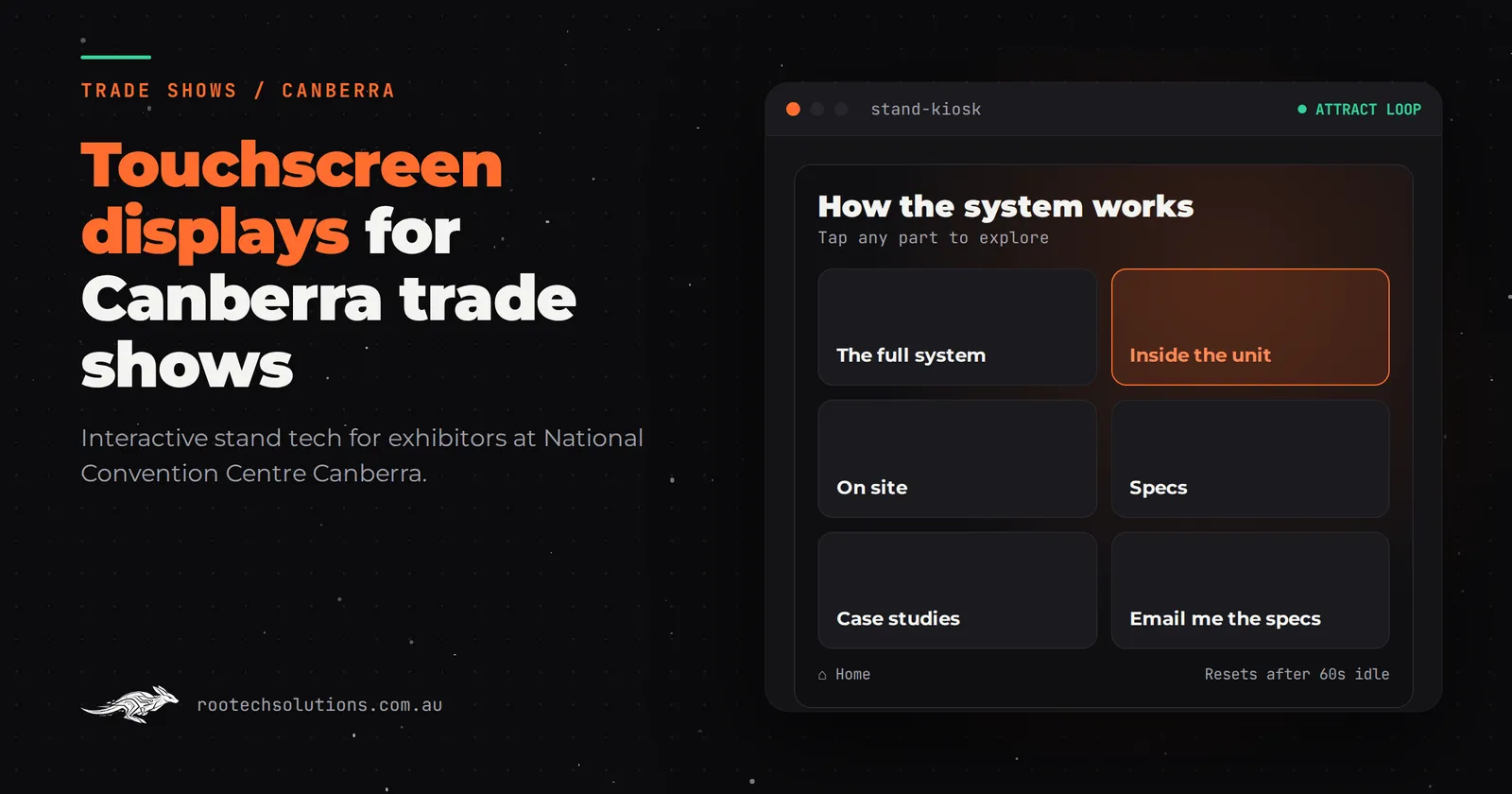
You have floor space at a defence or government procurement expo at the National Convention Centre Canberra, and a problem most exhibitors do not have: the thing you sell cannot come to the show. A capability is a classified system, a hundred-page tender library, a piece of equipment the size of a shipping container, or a service that only makes sense when someone can see how it fits together. So the stand gets a banner, a brochure wall and whoever is free that week, and visitors walk past.
A touchscreen product explorer fixes that in a way a banner never can. Here is how it works for a Canberra defence exhibitor, what it costs, and what decides whether it earns its floor space.
Short answer: A touchscreen product explorer is a purpose-built app that lets visitors dig into your capability on a screen: systems, subsystems, deployments and case studies, at their own pace. For Canberra defence exhibitors it turns "we can't show you that" into a 60-second self-guided tour, and it captures every visitor who touched it. Expect roughly $5,000 to $60,000 depending on depth.
Why does defence capability need a screen more than a brochure?
Every other industry can put its product on the stand. Defence, government services, secure technology and heavy engineering cannot, and that is exactly the problem a product explorer is built for.
Think about what a visitor at a Canberra defence expo actually wants to know. What does your system do, where has it been deployed, how does it integrate with what the agency already runs, and who has approved it. A brochure answers one page of that at a time, and it cannot adapt. If the visitor is a procurement officer interested in logistics and not the platform itself, the brochure is wasted on them.
A screen can branch. The visitor picks "the platform", "the training", or "the support model" and gets the version of your story they care about, with your team standing by for the conversation that follows. That is the real payoff: the stand explains itself, and your people spend their time on qualified conversations instead of reciting the same three-minute pitch all day.
We have seen this work outside defence too. The touchscreen installation we built for CoolIT Systems let visitors explore a liquid-cooled data centre rack and its coolant distribution units with their fingers, because the cooling path is invisible from the outside. The outcome was simple: the stand explained itself, and the team spent its time on the conversations that followed. That same pattern, capability too complex to show directly, mapped onto an interactive screen, is what a defence exhibitor at the National Convention Centre Canberra should be commissioning.
What does a visitor actually do in 60 seconds?
Assume a minute. Most visitors give you less attention than that, so the design has to survive it.
- First five seconds: an attract loop plays on the screen, cycling your headline capability in three or four frames. No login, no loading spinner, no "tap to begin" wall. It is already running something worth watching as they walk past.
- Seconds five to twenty: the visitor touches the screen and the home screen gives them three choices, not fifteen. For a defence exhibitor that might be the system, the deployment history, and the support model. Big targets, labelled in the buyer's words.
- Seconds twenty to sixty: they drill in. A schematic of the system, two lines of text per component, a photo or animation where it helps. Depth is available but never mandatory; the point is that a curious visitor can go three layers down and a hurried one can stop at layer one.
- The exit: before they walk away, one screen invites them to tap in their email and role, and optionally tick what they were actually interested in. That tap is your lead.
The last screen matters more than anything in the middle. An interactive stand that does not capture who touched it is a very expensive video wall.
What makes it survive a full day on a show floor?
The unglamorous parts decide whether this works, and they are the parts a template app gets wrong. Any build for a Canberra expo should ship with:
- Offline-first operation. Venue Wi-Fi is shared with thousands of phones and badges. Your explorer must run entirely from the local machine, with content baked in, and only the lead submission queued for when a connection reappears.
- Home button and idle reset. Every visitor leaves the app somewhere random. After 60 to 90 seconds of no input, it returns to the attract loop, so the next visitor starts clean and your team is not rebooting anything every hour.
- Crash recovery. If the app dies it restarts itself. Nobody at the stand should ever see a desktop or an error dialogue.
- Editable content. You will want to swap a case study, change a claim, or add last quarter's contract win between shows. Your team does that in a simple editor, not by emailing the developer.
- Lead capture built in. Name, organisation, role and interest in one tap, exported to your CRM the same day, with an AI follow-up email drafted and sent that evening while the show is still fresh.
That last point pairs with same-day follow-up: a lead captured at 10am, followed up by 5pm, beats a spreadsheet emailed the following Monday. If you are weighing up lead capture on its own, we wrote a separate piece on trade show lead capture built with AI.
How long does the visit have to be before it was worth it?
Shorter than you think. A product explorer earns its keep three ways, and only one of them needs a long visit.
First, the stop. A moving, touchable screen pulls passers-by who would never take a brochure. Second, the branch: a visitor who self-selects into "logistics" or "training" has told your team what to talk about before a word is spoken, which is qualification you would normally pay staff to extract. Third, the capture: their email and role are in your system with an interest tag attached.
Three levels of build, and what each one buys:
- Templated content app. Your existing photos, PDFs and videos in a guided structure. Roughly $5,000 to $15,000.
- Custom touchscreen with video and animation. Purpose-built motion, branching content and deeper drill-downs. Roughly $15,000 to $30,000.
- Bespoke 3D product explorer. The system in 3D, exploded views, rotate and inspect. Roughly $25,000 to $60,000.
These are indicative software-only ranges in AUD, excluding GST. Hardware is hired separately; check current rates with a local AV hire company. A lead capture module as an add-on runs roughly $4,000 to $12,000 depending on how it integrates with your CRM.
How do you brief one, and how long does it take?
Most builds of this kind take two to four weeks, and the brief is simpler than exhibitors expect. Bring four things to the first call:
- The three questions visitors ask most at your stand now.
- The system, service or capability you most wish you could show.
- The two or three audiences on the floor: procurement officers, end users, primes and partners.
- Whatever media you already have: photos, manuals, diagrams, even draft slides.
From there the build is a fixed-price project. Software is built and tested in Melbourne on the same screen model you will hire in Canberra, shipped pre-configured, and set up with your team over a call and a video walkthrough. Rootech works Australia-wide remotely, so no one needs to be in Canberra for a build meeting, and the app is rehearsed with your stand staff before doors open. If you want a sense of what a full brief looks like for a different format, our guide to AR product demos for Perth mining expos walks through the same planning process.
Should you build for one show or plan to reuse it?
Plan for reuse, always. The content structure of a capability explorer does not care which city it sits in. Exhibitors who commission for a single event end up paying the one-show price for a multi-show asset, and exhibitors who plan for reuse get the same build at several events a year, refreshed between shows by their own team.
The refresh is where reuse pays: a new deployment logged, a new contract announced, a new video shot at the last event, swapped in by whoever manages your marketing. If your show calendar includes both Canberra expos and events in other capitals, the same core app can travel, with light content changes per event. Our piece on interactive trade show displays for Perth exhibitors covers the same reuse logic from a different angle.
Frequently asked questions
What screen size should we hire?
55 to 65 inches suits a stand where visitors interact one or two at a time, mounted or on a kiosk stand. Bigger is not better for touch: reach and resolution matter more than spectacle. Ask your AV hire company what touch models they stock and hire that, because the software is built and tested on the same model before it ships.
Can it run without venue internet?
Yes, and it should. All content is stored locally and the app runs offline. Lead submissions are queued and sent when a connection is available, so nothing a visitor types is ever lost to bad venue Wi-Fi.
Do we buy or hire the touchscreen hardware?
Hire. AV hire costs a fraction of purchase and the screen model changes as displays improve. Buy only if you run regular showroom or sales-suite use outside events, where a permanent screen earns its place.
How is lead capture handled?
Visitors tap in their email and role on the final screen, optionally tagging the capability they explored. Leads export to your CRM the same day, and a same-day AI-drafted follow-up can go out while the show is still running. Follow the Australian spam rules for marketing messages; the ACMA guidance covers consent and sender requirements.
How far ahead should we brief the build?
Two to four weeks for a standard build, longer if you want bespoke 3D or heavy animation. Book the screen hire early for busy Canberra event weeks, and give yourself a few days before doors open for stand staff to rehearse.
The takeaway
A defence capability you cannot bring to the National Convention Centre Canberra does not have to stay a brochure. A touchscreen product explorer puts the branch of your story each visitor cares about in front of them in 60 seconds, captures who they are, and keeps working across every show you do this year. Start with a free call: Rootech offers a free AI workflow audit, and the audit fee comes off the first project. Tell us what you are exhibiting and what visitors cannot see, and we will tell you whether a screen is the right answer for your stand. Book a time on our contact page.