AR Product Demos for Perth Mining Expos
AR product demos let Perth mining and METS exhibitors show plant, platforms and equipment too big to bring. What they cost, how they work and how.
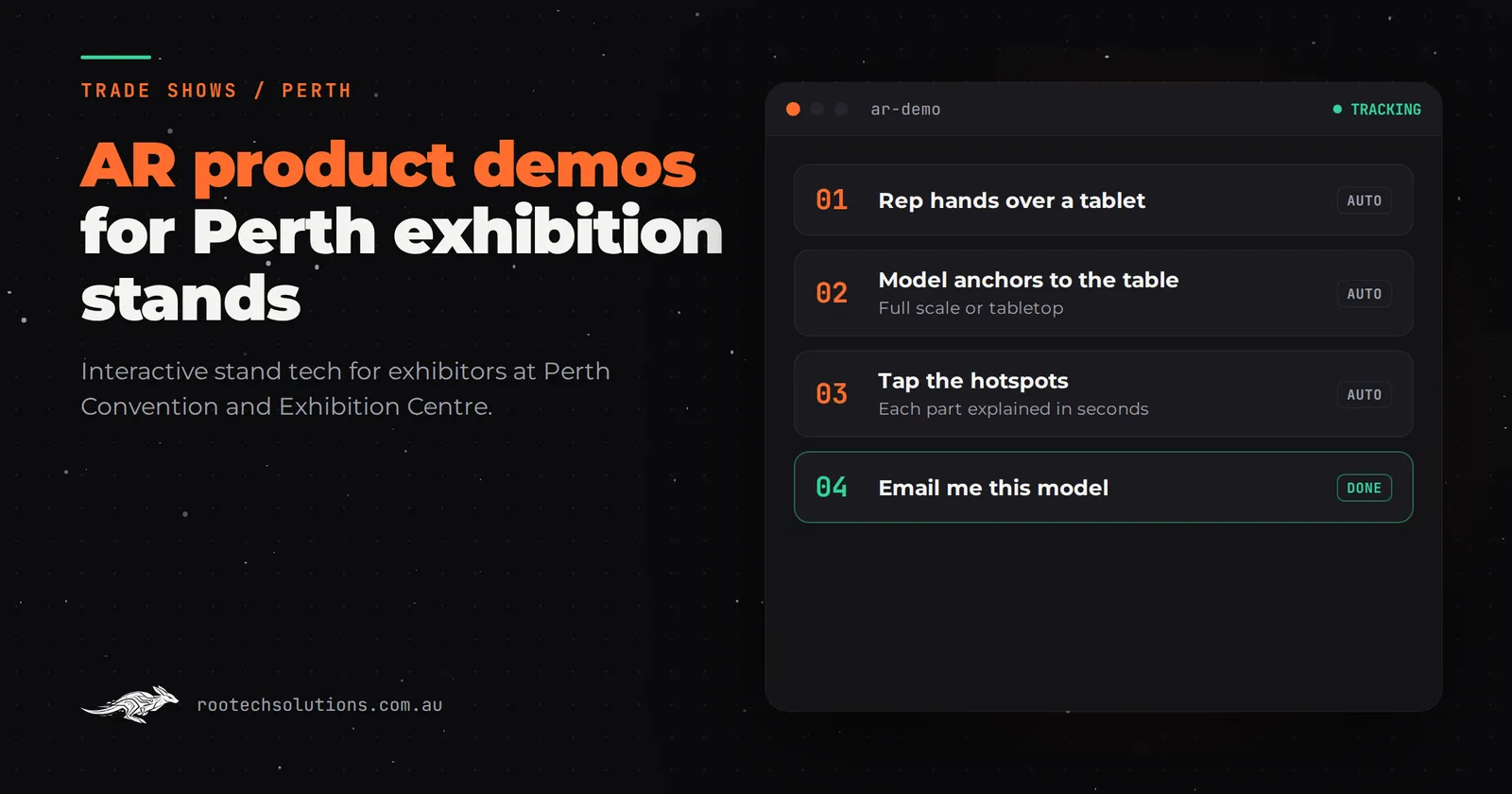
You have booked floor space at a Perth resources or mining expo. Your product is a dump truck body, a processing plant, a downhole tool, a production platform, or a piece of equipment the size of a house. None of it fits in a ute, let alone on a stand. So visitors get a banner, a brochure and a 90-second verbal walk-through that depends entirely on which team member is free.
Augmented reality changes what you can put on the table. Point a tablet or the visitor's phone at your stand, and the full product stands up in front of them at scale, cutaway, animated and explorable. This post is for Perth exhibitors in mining, METS, energy and resources: what an AR product demo actually does on the floor, what it costs, and how to brief it.
Short answer: An AR product demo puts your full-size equipment on the stand as an interactive 3D model visitors explore on a tablet or phone. It suits Perth mining and METS expos because the product problem there is scale: the gear is too big or too complex to bring. Custom builds typically run from the mid tens of thousands of dollars and take three to six weeks to build.
Why AR solves the problem mining expos actually have
The defining problem of a mining and METS expo is that nobody can exhibit their real product. A crusher, a conveyor system, a fleet management platform, a ventilation circuit: you can bring a scale model at best, a photo at worst. Visitors walk the floor knowing every exhibitor is asking them to imagine the real thing.
AR removes the imagining. The visitor sees the actual equipment, true to proportion, from any angle. They can open it up, follow a process from end to end, and drill into the part they care about. Two things follow from that:
- Your stand explains itself. Instead of relying on a senior engineer to narrate every visit, the model carries the first two minutes, and your team joins the conversations that are actually going somewhere.
- Complex becomes comparable. Buyers walking the floor comparing three vendors of similar equipment remember the stand where they could see inside the machine.
This is the same problem behind the touchscreen product explorers many METS exhibitors use. AR is the version where the model lives on a tablet or phone and appears in the room with the visitor, rather than behind glass. It is also the version that then travels: the same build can demo the product in a boardroom, a site office or a sales call long after the expo closes.
There are two proven examples of the format on this site. Shell Deep Water is an AR app, built with MammothXR, that places a deep water production platform on any surface and lets people explore how it works from the seabed up. And Bayer's AR activation, also built with MammothXR, shows how a crop protection product performs by layering the effect over the real world, which let the team demonstrate a season's worth of results in one AR moment. Different industries, same move: show the thing that cannot stand on a table.
What the visitor does in 60 seconds
Design the experience around a short visit. At a busy resources expo you get 30 to 60 seconds of attention before a visitor decides whether to stay.
- First five seconds: a full-scale or larger-than-life model of your product visible from the aisle. The model itself is the attract loop. It should be moving, or slowly rotating, before anyone touches anything.
- Next ten: the visitor picks up the tablet or scans the code on their phone. One clear instruction on screen. The model drops onto the stand bench or into their hands.
- The middle: three to five things they can do. Explore the outside, open the cutaway, follow one process end to end, tap a hot spot for a spec. Resist the urge to include twenty. Three done well beats fifteen done shallow.
- The close: the experience ends at a natural handover point. The visitor has seen the internals, and that is exactly when your team steps in: "Want to see how that runs on your site?" Lead capture sits right there, not as a separate form off to the side.
The point of the design is that every visitor gets the same strong demonstration even when your best presenter is three aisles away talking to someone else.
What makes an AR demo survive a show floor
The unglamorous parts decide whether this works. Any experienced builder will tell you the show floor is hostile to software:
- Offline first. Venue Wi-Fi is shared with thousands of people and dies at the worst moment. The model, the animations and the lead capture must run entirely on the device with no network. Sync captured leads when connectivity returns.
- Crash recovery and idle reset. Someone will lock the tablet, close the app or leave it in a weird state. The build needs a home button, a timeout that resets the experience, and a fast recovery path. It should run unattended from doors open to doors close.
- The right hardware. A decent tablet on a stand, mounted at a comfortable height, usually beats handing out several devices. Hire the hardware locally and check current rates with the hire company; the software is the part you build.
- Content your team can edit. Prices change, a new product variant gets added, a spec gets revised between shows. The hot spots and content should be editable by your marketing team without a developer.
- Lead capture built in. A name and email captured inside the experience flows straight into your CRM. If your demo ends with visitors photographing a QR code instead, you have built an attraction, not a pipeline.
That last point matters enough to deserve its own thinking, which is why we have a separate post on trade show lead capture at Perth expos built with AI, covering what happens to the details after the show.
What an AR product demo costs
Every build is fixed price and every project is quoted individually, but indicative software-only ranges, excluding GST and with hardware hired separately, look like this:
| Build | Indicative range (AUD) |
|---|---|
| Templated content touchscreen app | $5,000 to $15,000 |
| Custom touchscreen with video and animation | $15,000 to $30,000 |
| Bespoke 3D product touchscreen | $25,000 to $60,000 |
| Computer vision or motion game | $30,000 to $80,000 |
| Lead capture with CRM integration (add-on) | $4,000 to $12,000 |
An AR product demo is a bespoke 3D build, so expect it to land in the $25,000 to $60,000 band, with the exact figure driven by three things: how accurate the 3D model needs to be (a CAD-derived model costs more to clean up than a stylised one), how many interactions and animations you want, and whether it runs on your tablet only or on visitors' phones as well. Ongoing costs are modest: hosting is usually under $50 a month.
Two honest notes. First, if your product story is mostly text, data and claims, a custom touchscreen with video may serve you better for less money; AR earns its premium when geometry and scale are the story. Second, budget the content. A build that ships with beautiful 3D and no plan for who updates it will age badly.
How to brief it and how long it takes
Plan three to six weeks from brief to show-ready for a focused single-product AR demo. Here is the brief that gets you there:
- The product and the point. What the equipment is, and the one thing buyers always misunderstand or never get to see.
- The three to five interactions. Explore the outside, cutaway, one process animation, spec hot spots. Number them in priority order.
- The source geometry. CAD files, drawings, photos or video of the real thing. The quality of what you hand over sets a ceiling on the build.
- Where it runs. Your tablet on a stand, visitor phones, or both, and which operating systems.
- The lead step. What is captured, where it goes, and who follows up.
- The deadline. The show dates, and whether this build should also serve boardroom and site visits afterwards.
Rootech is a Melbourne studio that works Australia-wide, so for a Perth expo the delivery is remote: discovery and reviews over video, the build tested on the same screen and device model you will use, hardware hired locally in Perth, and the setup walked through with your team over a call before doors open. Start the conversation through the Perth custom software page or book the free call below.
Where Perth resources exhibitors use this
Perth is the natural home for this format in Australia. The big upstream oil and gas and resources events run at the Perth Convention and Exhibition Centre, which offers 28,000 square metres of exhibition and event space (pcec.com.au). Energy Exchange Australia (EXA), formerly AOG Energy, returns to the same venue on 2 to 4 March 2027 and drew 221 exhibitors at its 2026 edition (exaexpo.com.au), and the Global Resources Innovation Expo (GRX) also runs at the Perth Convention and Exhibition Centre (grx.au). Exhibitors at those shows are exactly the vendors with a scale problem: the product is a plant, a platform or a piece of kit nobody can carry in.
Should you build once and reuse it?
Yes, and it is the strongest commercial argument for AR over a one-off activation. The 3D model and the interactions are the expensive part, and none of that is show-specific. The same build that runs at an expo runs in a boardroom sales meeting, a site induction, a dealer training day, and the next three events on your calendar. Plan for reuse from the start: build the model so adding a product variant later is an update, not a rebuild, and keep the content editable in-house. If you exhibit at several shows a year, a single build amortised across them usually costs less per show than a new printed campaign.
Frequently asked questions
Does the AR demo work without venue Wi-Fi?
It must. Build it offline first: the model, animations and lead capture all run on the device, and lead data syncs when a connection returns. Never depend on exhibition Wi-Fi for the core experience.
Do visitors use their own phone or a tablet we provide?
Both work. A provided tablet on a stand is more reliable and easier to run unattended for a full show. A phone-based version via QR code scales to more visitors but adds variables. Many exhibitors run a mounted tablet as the primary experience and offer the phone version for visitors who want to take it home.
Is AR better than a touchscreen at a mining expo?
Different tools. A touchscreen product explorer is better for deep specs, documentation and configurators. AR wins when scale and geometry are the story: the visitor needs to see the real equipment standing in the room and walk around it or inside it. Some stands do both; see our guide to interactive trade show displays for Perth exhibitors.
How much lead time do we need before the show?
Three to six weeks for a focused single-product build. If the show is closer than that, a simpler version on the templated end of the range can be done, but contact a builder as early as you have your stand booked.
Can we hire the hardware instead of buying?
Yes, and it is usually the right call for a first build. Hire tablets, stands and screens locally in Perth and check current rates with the hire company. The software is portable, so you are never locked into one hardware setup.
The takeaway
Mining and METS exhibitors lose attention to a problem they cannot solve with a banner: the product is too big to bring. An AR product demo brings it anyway, explains itself while your team works the conversations that matter, and then keeps working in boardrooms and site visits after the show. If you are exhibiting at a Perth resources event and want a straight opinion on whether AR is the right fit for your product, book a free call with Rootech. We will look at your product, your show and your stand, and tell you honestly whether a build is worth it. The free AI workflow audit fee comes off the first project. Book a free call.