One system, nottwelve tabs.
When a spreadsheet, an old database and four subscriptions are holding the business together, we replace them with one system built for the way your team works. A fixed price, no per-seat fees, and you own it.
Tell us what it would replaceWho this is for
- You still run on an Access or FileMaker database that one person understands.
- You pay for a stack of subscriptions, and someone re-types the same data between them.
- You are on a big all-in-one platform and use a fraction of what you pay for.
- The business runs on spreadsheets with no audit trail and no permissions.
What it can include
You build only the parts you need, and every part reads from the same records, so nothing is typed twice.
- Customers and contacts
- One record per customer with every job, quote, invoice and conversation attached.
- Quotes and estimates
- Quotes built from your own price lists and rules, sent and signed online, turned into jobs in one click.
- Jobs and scheduling
- Who is doing what, where and when, on a phone in the field and a screen in the office.
- Invoicing through Xero
- Invoices and payments flow into Xero, so the books match the work without anyone re-keying them.
- A customer portal
- Customers check progress, approve quotes and download documents without ringing the office.
- Approvals and reporting
- Sign-offs where your process needs them, and the numbers you actually run the business on, live.
Is it time to replace them?
Tick what sounds like your business. Sometimes the honest answer is to keep what you have.
0 of 6 ticked
Keep what you have.
If your tools fit and talk to each other, custom software is not worth it. Spend the money elsewhere.
Ask us about yoursHow it runs
Map how work flows
We follow a job from first enquiry to paid invoice and find where time and data leak out.
Fixed-price proposal
What the system replaces, how your data moves across, the price and the timeline, in writing.
Build with your data
On a live link from the first week, filled with your real records, so the team can try it on real work.
Run it alongside
Records migrate and the new system runs next to the old one until the team trusts it.
Switch over and train
A planned cutover, documentation, logins and a walkthrough for everyone who uses it.
Five ways to get it built.
Every option has a place. This is how they compare on the four things that decide whether a project goes well.
A traditional agency
- What it costs
- Hourly billing or a large retainer, often open-ended
- How fast
- Months of discovery, design and handoffs
- Who owns it
- Usually you, sometimes with licences attached
- When it breaks
- A ticket in someone else's queue
An offshore team
- What it costs
- A low hourly rate plus your time managing it
- How fast
- Depends on how precisely you can write the brief
- Who owns it
- Read the contract closely
- When it breaks
- Overnight, across time zones
Off-the-shelf software
- What it costs
- Cheap to start, then per seat for as long as you use it
- How fast
- Live today, if it fits
- Who owns it
- The vendor
- When it breaks
- The vendor's roadmap, not yours
Building it yourself with AI tools
- What it costs
- Cheap to start, expensive to fix later
- How fast
- Days to a demo
- Who owns it
- You, along with every risk in it
- When it breaks
- You, at 2am
Rootech
- What it costs
- A fixed price, agreed before we start
- How fast
- Most builds live in two to four weeks
- Who owns it
- You, outright
- When it breaks
- The engineer who built it
What every project comes with.
Written into every proposal, not just this page. We reply within one working day.
- A fixed price before you sign.
- Scope and price are agreed in writing up front. Small changes along the way are absorbed; anything bigger is flagged as a separate decision, never slipped onto an invoice.
- Bug fixes included after launch.
- If something we built does not work the way we agreed, we fix it at no cost. That is our problem, not a new job.
- You own all of it.
- The code, the domain, the hosting accounts and the data are in your name. Host it anywhere, hire anyone to work on it, pay nobody a licence fee.
- A proper handover.
- Code, documentation, credentials and a walkthrough for your team. Nothing lives only in our heads.
- No lock-in.
- Ongoing support is optional, month to month, and you can cancel any time. We would rather keep you because the software keeps getting better.
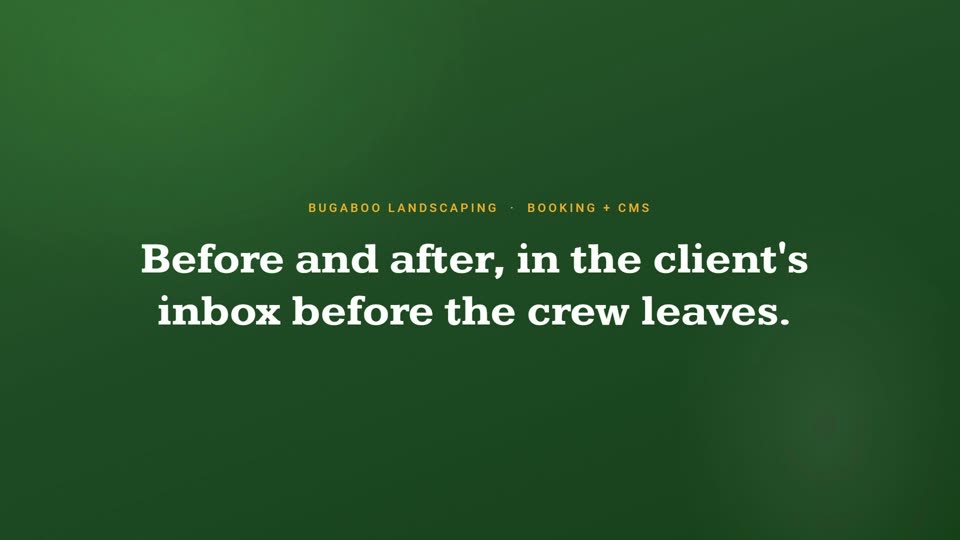
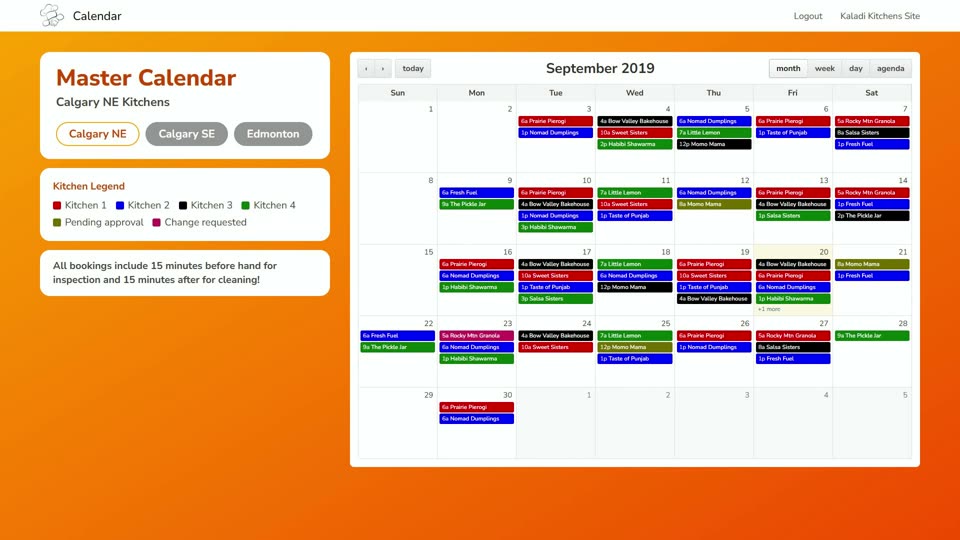
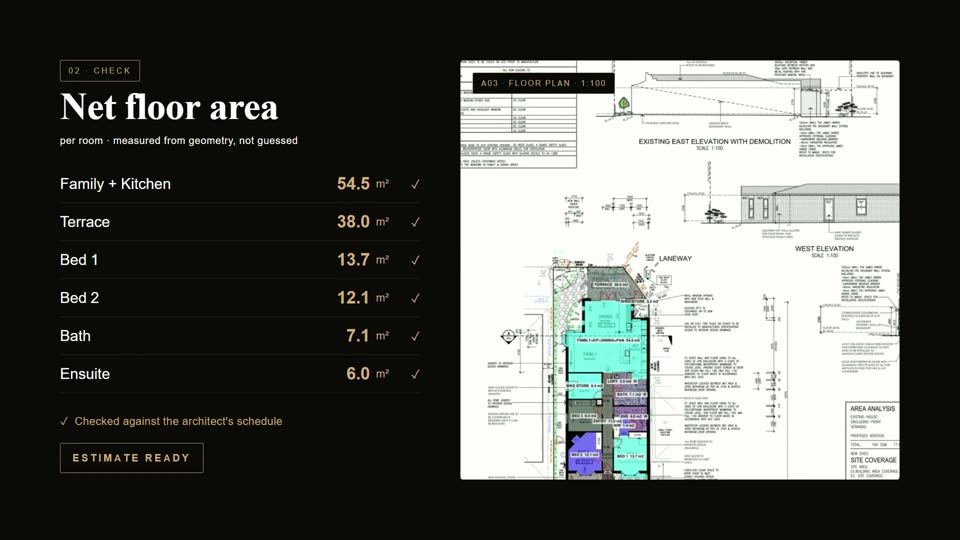
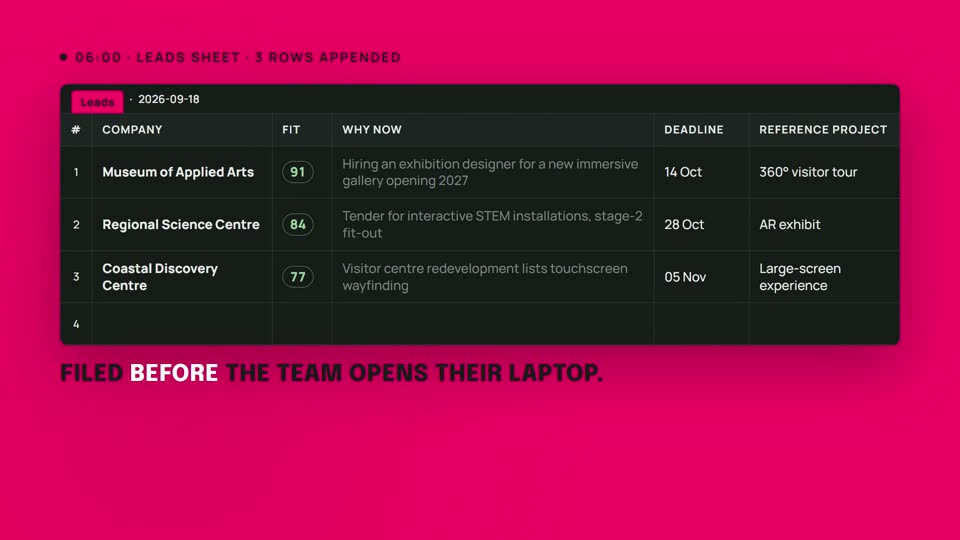
Software we have shipped.
Production systems with real users, payments and data. Each one opens the full brief.
Fair questions
Read more: No-Code or Custom Development? DIY vs Hiring an Agency · Fixed-Price vs Hourly Software Development: What Costs Less?
Can it replace our CRM, job system or old database?
Usually, yes. We build the parts you use and leave out the rest. If an off-the-shelf product already fits most of what you need, we will tell you to keep it and connect it instead.
Does it work with Xero?
Yes. Invoices, payments and contacts can flow between your system and Xero, along with the other tools you run, such as HubSpot, ServiceM8 or Google Workspace.
Is owning software really cheaper than subscribing?
Not always. A custom build costs more up front; subscriptions cost more every year and grow with every hire. Once it is built, hosting is usually under $50 a month. We will show you the comparison for your own numbers before you decide.
How long does it take?
Most builds are live in two to four weeks. A larger system with several modules gets a fixed timeline up front, and you can switch parts on as they are ready.
How do we move our data across?
We migrate it for you, test it against a copy first, and run the old and new systems side by side until the team is confident.
What happens when the business changes?
You own the code, so it changes with you. Add a module, change a process or hand it to another developer. An optional monthly retainer covers ongoing changes if you want us to keep going.
Tell us what it would replace.
A few lines is plenty. We read every one and reply with an honest view of what we would do, including when the answer is not us.