Where Perth Photographers Start With AI Automation
Where Perth photographers should start with AI automation: enquiry follow-up first, then bookings and reviews. DIY steps, costs and what the first build.
A Perth photographer opens their inbox on Monday and finds Saturday's wedding enquiry from Fremantle still unanswered. Two other enquiries came in over the weekend through the website, and neither has a reply. One of those couples has already booked someone else, because that studio answered within an hour. Losing enquiries this way is the most common automation gap in photography businesses, and it is the first thing to fix.
Short answer: Perth photographers should automate enquiry follow-up first, then booking confirmations, then review requests. Enquiry follow-up is first because photography enquiries arrive at night and on weekends, and the first studio to reply usually wins the job. Leave creative work and pricing decisions to a person. Most studios can start with features in the tools they already pay for this week.
Why enquiry follow-up comes first for photographers
Photography enquiries are time-critical and they rarely arrive during business hours. A couple comparing wedding photographers sends five enquiries in one evening and books whoever replies first with a helpful answer. A business owner wanting commercial headshots does the same thing from their phone at lunch.
The manual workflow leaks time at every step. An enquiry lands in the inbox on Saturday. It gets read on Monday, between shoots. A reply goes out Tuesday. By then the client is comparing galleries from three other studios, and your quote competes on memory instead of momentum. When a wedding is worth $4,000 to $8,000, one lost enquiry a month costs more than most automation ever will.
An AI automation changes the sequence, not the work. Every enquiry gets an instant, on-brand acknowledgement with your availability and starting prices. Complex questions get flagged for you, with the enquiry summarised so the reply takes two minutes instead of ten. A person still writes the quote and makes the pitch. The automation just makes sure nothing sits unanswered while you are on a shoot.
Your priority list: first, second, third, and what to skip
- First: instant enquiry replies and follow-up. Every enquiry from your website, email or Instagram gets acknowledged in minutes, with availability and price ranges. If there is no booking in a week, the system follows up politely once. This is first because it saves revenue, not just admin time.
- Second: booking confirmations and reminders. Once someone books, confirmations, shot-list requests, payment reminders and reschedule handling run themselves. This removes the Sunday-night admin block before a big shoot.
- Third: post-delivery follow-up and reviews. Two weeks after gallery delivery, clients get a check-in and a review request. Reviews drive most new enquiries for Perth studios, and happy clients are readiest right after delivery.
- Skip for now: automated editing. AI culling and editing tools exist, but style is your product and a wrong style pass costs hours of rework. Automate admin first; revisit editing once the front of the pipeline runs itself.
The order matters. Each step feeds the next, and the first one pays for the rest.
Count your week of enquiries before you automate anything
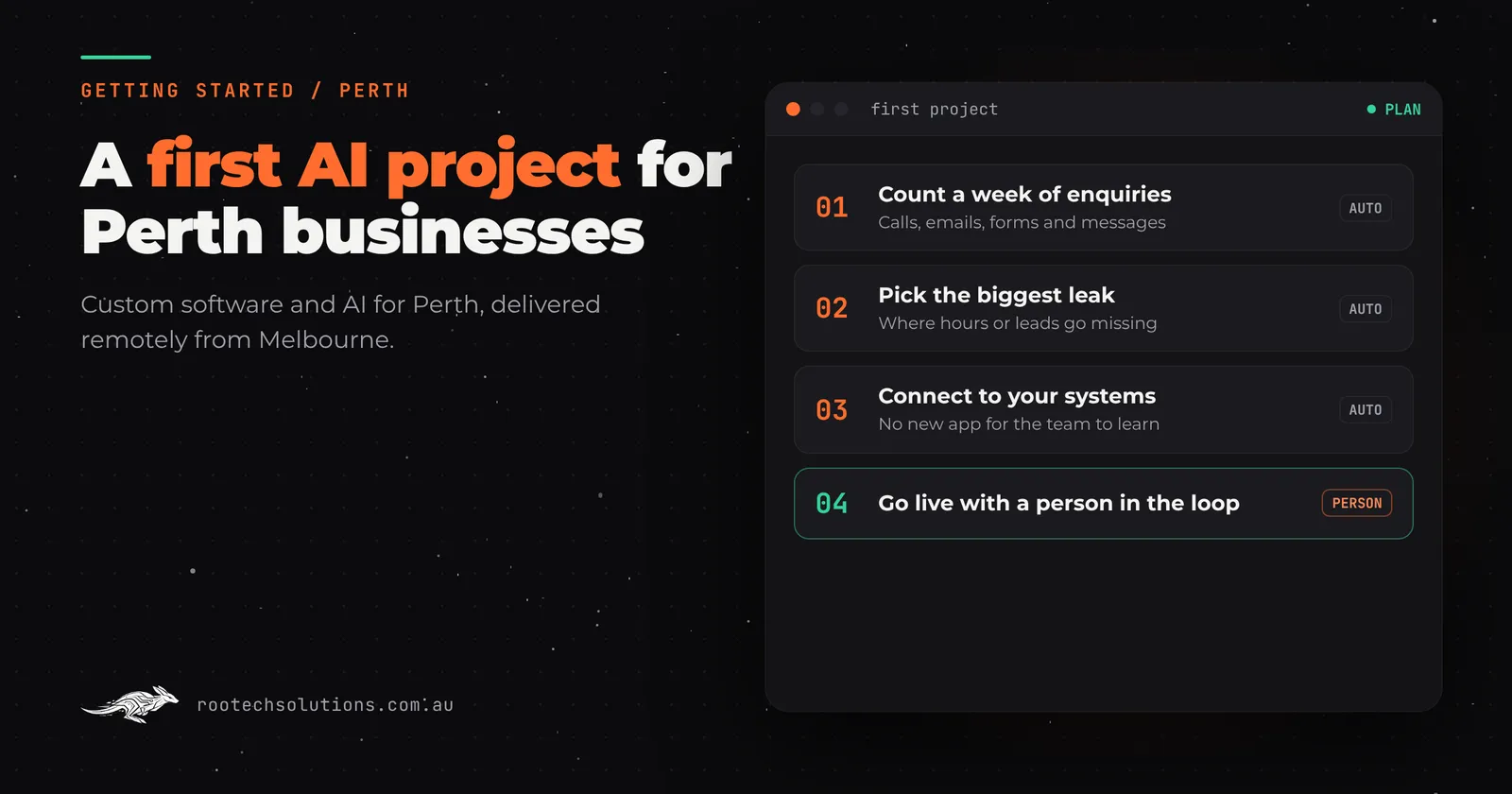
Do this yourself this week, for free. Count every enquiry that arrives for seven days: website form, email, Instagram DM, phone message. For each one, note when it arrived and when you first replied. Add up the gaps.
Two numbers tell you what to build first. If your average reply time is over two hours, instant enquiry replies will pay for themselves quickly. If a quarter of enquiries never get a reply at all, a simple acknowledgement automation recovers revenue you are currently writing off. Then turn on the automated acknowledgement feature in whatever booking or CRM tool you already pay for; most have one, and it takes an afternoon to set up.
While you are counting, write down the ten questions every enquiry asks. Availability on a date, starting prices, what is included in a package, how long until galleries are delivered. That list is exactly what a custom version needs to answer, and writing it yourself means you are ready either way.
Off-the-shelf tools versus a custom AI layer
Photographers usually run a stack like this: a booking tool such as Studio Ninja, HoneyBook or Táve, email, Instagram, and cloud storage for galleries. These tools are good at what they do and you should keep them.
What they generally do not do is watch every channel, reply in minutes, and chase the leads that go quiet. That is where a custom AI layer earns its keep: it sits on top of your existing tools, triages enquiries from the website, email and socials, drafts replies in your voice, and writes bookings back into your booking system. Nothing gets replaced, so there is no migration and your team keeps using what it knows.
A useful rule: if the automation only needs data from one tool, configure the tool. If it needs to read enquiries from three channels, decide who is a real lead, and update your booking system, that is a custom integration. Rootech's comparison of when to build custom AI instead of using a chatbot platform covers that decision in more detail. The lead-response research behind why slow follow-up loses leads applies to photographers as much as to any trade.
What the first build looks like
A first build for a Perth photography studio is deliberately small. It connects your enquiry channels to a simple triage that acknowledges enquiries instantly, answers the ten standard questions from approved information, flags anything unusual to you, and logs every lead in your booking tool. Booking confirmations and review requests come in a second phase once the first one is running cleanly.
Working with a studio like Rootech, a build like this is fixed price and typically ships in two to four weeks. You stay in the loop for anything involving money or commitments: the AI never quotes a firm price or books a date without a person confirming. After launch you review the drafts, not the inbox.
Because Rootech works remotely outside Melbourne, Perth studios are onboarded by video call, the build runs in the cloud, and everything is set up with your team over a call. See how that works on the custom software for Perth businesses page.
Takeaway
Automate enquiry follow-up first, because unanswered enquiries are the leak that costs Perth photographers real bookings. Add booking confirmations next, then review requests, and leave editing to you for now. Count one week of enquiries before you spend a dollar, and start with the features in tools you already own. When the DIY version is no longer enough, a fixed-price build on top of your existing stack takes a few weeks, not months.
Frequently asked questions
What should a photographer automate first?
Enquiry follow-up. Photography enquiries arrive at night and on weekends, and couples usually book the first studio that replies. An AI acknowledgement with your availability and price ranges answers every enquiry in minutes while you shoot, with anything unusual passed to you.
Will AI make my studio sound robotic?
Not if it is set up properly. A good custom automation drafts replies from approved information about your packages and style, in your voice, and sends you anything it is unsure about. You approve the first batch and tweak the tone once; after that, clients get fast answers that still sound like you.
Can I automate this myself without hiring anyone?
Start there. Most booking and CRM tools photographers already pay for include automated acknowledgement and reminder features. Configure those, count a week of enquiries, and see how far they take you. A custom build becomes worthwhile when enquiries come from several channels and need judgement about who is a real lead.
How much does AI automation cost a photography studio?
As an estimate, running costs are usually hosting under $50 a month plus AI usage of $20 to $200 a month depending on volume. A fixed-price first build is scoped up front before any work starts, so you know the number before you commit. Book a free AI workflow audit and the audit fee comes off the first project if you go ahead.
Does instant enquiry follow-up work for commercial and corporate clients too?
Yes, and it often matters more. Commercial enquiries are usually fewer but worth more, and they arrive during the workday while you are on a shoot. An instant acknowledgement that flags the brief to you keeps those clients warm until you can write a considered reply the same day.