Vibe-Coded App Has Paying Users: Now What?
Your vibe-coded app has real users and payments. What breaks first, how to tell fix from rebuild, and a free five-point check you can run this week.
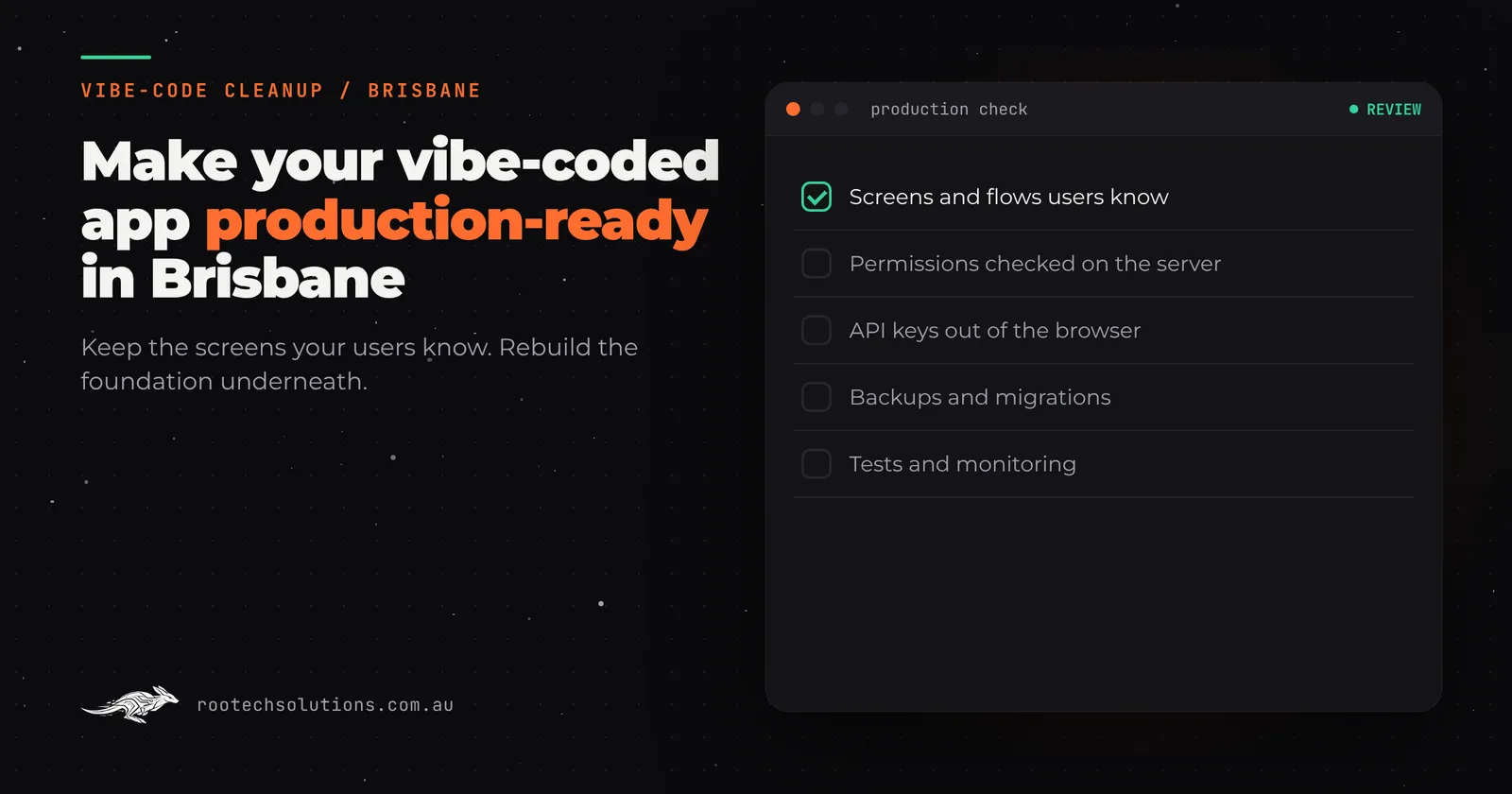
Your marketplace app was a weekend project six weeks ago. Now it has real users, real payments and someone listing their goods, and the thing holding it together is a stack of prompts in Lovable. You are scared to touch it, and more scared not to.
Short answer: Paying users change the maths. While you were testing, a broken feature cost you nothing. Now a broken feature costs money, trust and reviews. You do not need to rebuild the app people see. You need to check the foundation underneath: permissions, secrets, backups and payments, and fix what fails before it fails in front of a customer.
Why an app that worked in testing breaks with real users
A prototype and a production app are different things wearing the same clothes. The prototype worked because you were the only user, you typed carefully, and nothing in it was worth stealing.
Real users click the wrong things, share links, try each other's pages and stop paying mid-month. The prototype was never asked to survive any of that. Here is where it usually gives way:
- Permissions checked in the browser. In many AI-built apps, the check "is this user allowed to see this job?" runs in the page itself. Anyone can open the browser's developer tools and skip it. The check has to run on the server, where the user cannot reach.
- Open database rules. If your app runs on Supabase, database access is controlled by row level security, a set of rules saying which user can read which row. If those rules are missing or too loose, one logged-in user can read another user's records by changing a number in the web address.
- Secrets in the page. API keys for Stripe, email or maps sometimes get pasted where the browser can see them. Anyone can read them and use them as their own.
- No backups. There is often no way to restore yesterday's data, because nobody set one up. The first time you need it is the first time you have lost it.
- Schema drift. Every prompt that added a field changed the database a little. After fifty prompts, nobody knows the full picture, including the AI.
None of this is the tool's fault. Lovable, Bolt, Replit, v0 and Base44 are built to get an idea in front of people fast, and they are good at it. The gap between what they optimise for and what a paying customer expects is where the work is.
Fix it or rebuild it: which situation are you in?
Most founders in this position assume the answer is "start over". It usually is not. The screens and flows your users already know are an asset. What tends to need rebuilding is the part underneath.
| Your situation | What to do |
|---|---|
| No paying users yet, still testing the idea | Keep prompting. You are still buying information, and the prototype is cheap to throw away |
| First paying users, no private data at risk | Targeted fixes: server-side permission checks, secrets out of the browser, a backup you have tested |
| Recurring payments or subscriptions | Fix payments properly before the next billing cycle. Cancelled accounts are where DIY setups leak |
| Investors or a bigger customer doing due diligence | Rebuild the foundation. Due diligence finds open database rules every time |
| The data model has drifted badly | Rebuild the data layer underneath, keep the screens. This is the common middle case |
The pattern on the right-hand side of that table is the same every time: keep what users see, replace what they cannot. That is exactly what our vibe-code cleanup work does, and why the prototype keeps running while the foundation is rebuilt.
What a rescue actually looks like
The rescue is less dramatic than founders fear, because the prototype has already done the hardest job: it settled the arguments about what the app should do.
- The prototype becomes the spec. Your screens, flows and wording are written down as they stand, so nothing changes by accident.
- The foundation is rebuilt underneath. Server-side permission checks, closed-down database rules, secrets moved out of the browser, backups that have actually been restored once in a test, and the schema turned into proper migrations (recorded, repeatable database changes rather than hand edits).
- It happens on a live URL while your app keeps running. Users never see a half-finished version.
- Users, records, files and subscriptions move across in a planned switch-over. Nobody signs up again. Passwords carry over where the systems allow it, otherwise you use a secure reset flow on first login.
- The domain is cut over last, after everything has been checked on the new foundation.
The whole time, the thing people can log into works. That is the difference between a rescue and a rewrite.
Will your users and their payments survive the switch?
This is the question that stops founders starting, so it deserves a plain answer. A planned migration keeps the accounts. Every user record, listing, booking and file is copied across and verified before the switch, and payments are the most carefully handled part of all.
If your app takes recurring payments, subscriptions are moved with their billing dates intact, and cancelled or failed payments are handled by the new system exactly as the old one should have. Stripe, like most payment providers, keeps the card details on its side, so the migration moves the subscription links, not the card data, which is why it is safer than it sounds. What you must never do is keep taking payments on a foundation you know is broken while you find a quiet week to fix it. There is no quiet week.
Should you keep using AI tools afterwards?
Yes, with a guardrail. The problem was never the AI. The problem was an app with no tests and no review step, where every change went straight to production because there was nothing to catch it.
Once the foundation has tests (automated checks that run after every change) and a review step, you can keep prompting away on features. The tests catch the prompt that accidentally made every listing public. That combination, AI tools for speed and a real codebase for safety, is how a lot of good small software gets built now. It is also why we hand over the code and documentation rather than keeping you dependent on us: you can keep using whatever tools you like on a codebase you own. If you would rather keep a team on it afterwards, a software maintenance retainer covers monitoring, updates and improvements month to month, and you can cancel it any time.
A self-check you can run this week, free
Before you hire anyone, spend an hour on these five questions. They find most of the serious problems.
- Open your app, log in, and change a number in the web address (a listing id, a job id). Can you see someone else's record? If yes, permissions are being checked in the browser or the database rules are open.
- Open the browser's developer tools, look at the page source and network requests. Can you see any secret, API key or password? Anything visible there is public.
- If you use Supabase, open the database settings and read the row level security policies. If the answer is "there are none", stop taking payments today.
- When did you last restore a backup? If the answer is never, you do not have backups, you have a setting that says backup.
- What happens if your AI builder changes its pricing or its terms tomorrow? If the answer involves panic, the code is not in a repository you own, and that is the first thing to fix.
Run those five and you will know more about your app than most founders ever learn about theirs. If all five come back clean, keep prompting. If two or more fail, the foundation needs work before you add another feature.
Frequently asked questions
How much does a cleanup cost?
Every project is fixed price, quoted after the prototype has been reviewed, so you know the number before anything starts. Running costs afterwards are usually modest: hosting is typically under $50 a month and AI usage typically $20 to $200 a month depending on volume, but check the numbers for your own app.
How long does it take?
Most Rootech builds ship in two to four weeks. A cleanup of a single-product prototype sits at the smaller end of that, and your existing app keeps running the whole time.
Do I own the code?
Yes. You own the code, the accounts it runs on stay in your name, and launch comes with a handover of the code, documentation and credentials. You are never locked to us.
Will my users notice anything?
They should notice nothing breaking and, at most, small improvements. The screens and flows they know stay the same; only the foundation underneath changes.
Can I keep building with Lovable afterwards?
Yes, on a codebase with tests and a review step. The tools stay useful; the difference is that a bad prompt can no longer reach your users unchecked.
If you are in this position in Brisbane or anywhere in Australia, send us what you built for a fixed-price prototype review. Rootech is a Melbourne studio working Australia-wide: we read the code, run the five checks above and tell you plainly what needs fixing, what can wait, and what it would cost.
For the wider picture before you commit, our page on custom software development in Brisbane covers how we deliver for founders outside Melbourne, and DIY no-code versus hiring an agency is honest about when building it yourself is still the right call.