Multi-Screen Stands for Adelaide Defence Expos
How a multi-screen stand shows capability you can't bring to Adelaide defence expos, what it costs, and how to brief it. Fixed-price builds from Rootech.
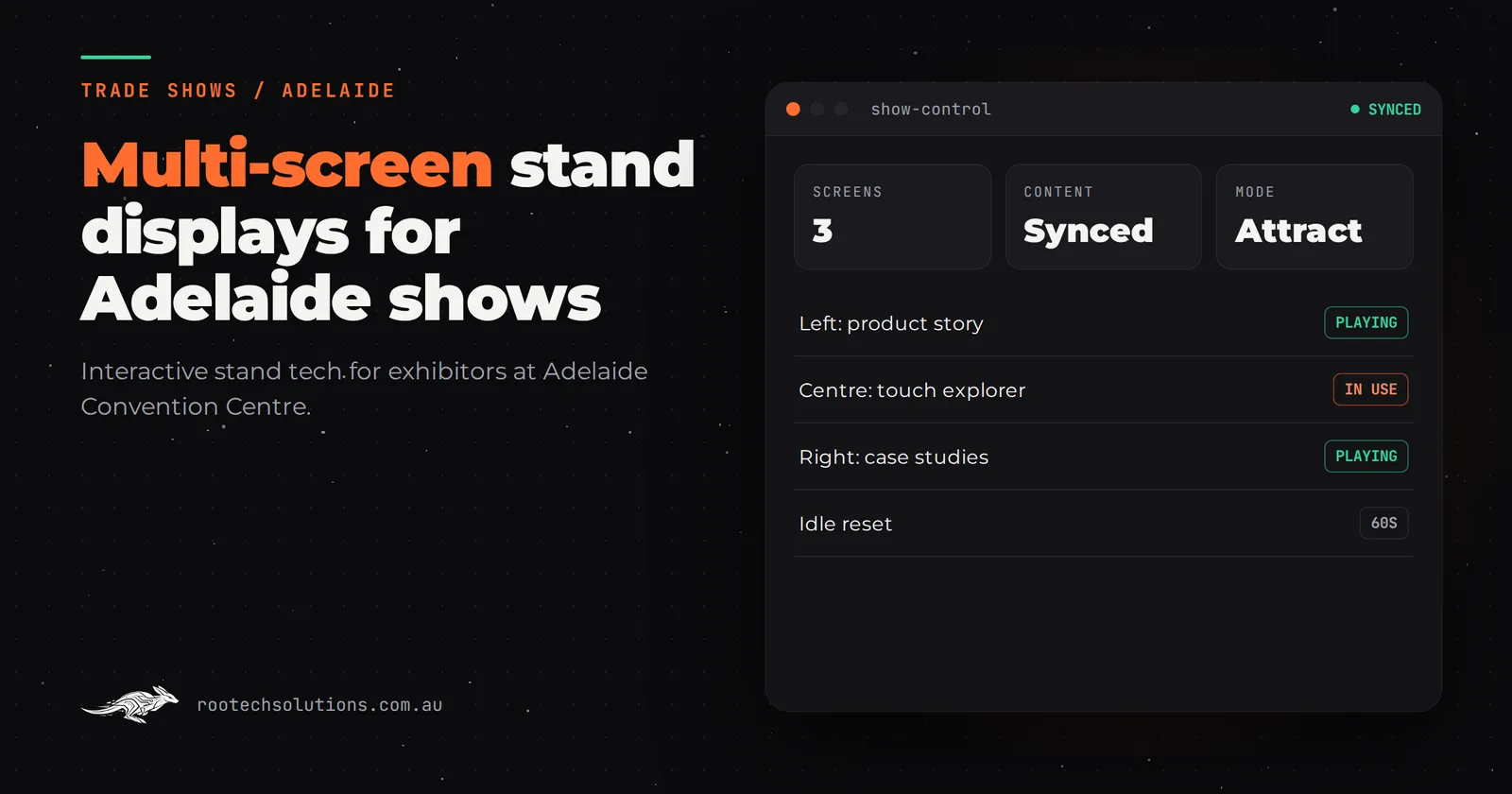
You have booked floor space at a defence industry expo in Adelaide, and you have a problem most exhibitors never think about: your best work cannot come to the show. A communications system inside a vehicle, a sensor suite mounted on a naval platform, an integration program with a security classification. What arrives on your stand instead is a brochure wall, a few printed panels, and maybe a laptop playing a video nobody watches to the end.
Visitors at Adelaide's defence and industry expos give a stand 30 to 60 seconds. If what they see in that window is static, they keep walking. This post is about a different approach: a coordinated multi-screen stand that walks a visitor through your capability, screen by screen, while your team talks to the person in front of them.
Short answer: For defence exhibitors in Adelaide, a multi-screen stand turns capability you cannot bring on site into a walkthrough a visitor controls in under a minute. Done well, screens take over the explaining so your staff can concentrate on qualifying conversations. Software typically runs from the low tens of thousands of dollars, with hardware hired locally, and it should run offline and unattended all day.
Why multi-screen suits a defence stand
Defence exhibits share one problem: the product is either too big, too classified or too invisible to display. You cannot wheel a vehicle integration onto the floor at the Adelaide Convention Centre. A datasheet does not convey an operational picture. So the visitor leaves with a logo and a slogan.
A multi-screen stand breaks the capability into scenes and puts each one where a visitor can reach it. A large wall screen plays the overview loop: what the system does, in operational context, in 40 seconds of animated footage. A touchscreen beside it lets the visitor open the detail themselves: subsystem by subsystem, with the parts they care about. A smaller screen can run a live-looking dashboard or a scenario simulation while a staff member walks one visitor through it.
The point is not "more screens look impressive". It is division of labour. The screens answer "what is this and how does it work" for the browsers. Your people spend their time on the two or three visitors who are genuinely in the market, because the other twenty stopped needing them.
What the visitor actually does in 60 seconds
A good multi-screen visit has a shape. Here is a typical one:
- Second 1 to 5. The wall screen catches their eye with motion. Visitors read moving images before they read signs.
- Second 5 to 20. They drift to the touchscreen. One tap opens the overview of the capability in plain terms. No menu, no login, no waiting.
- Second 20 to 45. They drill into what interests them: a subsystem, an environment, an integration. Each choice is two taps deep at most.
- Second 45 to 60. A staff member joins, guided by what the visitor just opened. The conversation starts from the visitor's interest, not the pitch script.
- The exit. The visitor taps their details in, or scans a code, and gets a follow-up the same day.
We saw this shape work on the CoolIT Systems trade show stand, delivered through Braveshell: a touchscreen installation that let visitors explore a liquid-cooled data centre rack with their fingers. The stand explained itself, and the team spent its time on the conversations that follow. That is exactly the trade a defence exhibitor wants to make.
What makes it survive a three-day show floor
The screen content is the fun part. What decides whether it works is a list of unglamorous things:
- Boots straight into the experience. No desktop, no loading spinner. Power on and the overview loop plays.
- An attract loop and an idle reset. After a minute untouched, every screen returns to its start state, ready for the next visitor.
- A home button that always works. Visitors get lost. They should never need staff to find their way back.
- Offline first. Venue Wi-Fi is shared with thousands of people and their devices. All content plays from the local machine; nothing depends on the network.
- Crash recovery. If a screen app dies, it restarts itself within seconds, unattended, overnight included.
- Content your team can edit. Between shows, or the night before a briefing, someone non-technical should be able to swap a video, update a spec or add a scenario without a developer.
- Lead capture built in. Details entered on the touchscreen flow into your CRM, so the follow-up starts the day the show ends.
This is the same discipline whether the build is one screen or five. We cover it in more depth in Touchscreen Installations That Generate Leads in Australia.
What a multi-screen stand costs
Indicative software-only pricing, excluding GST, with screens and hardware hired separately:
| Build type | Indicative cost (AUD) | What you get |
|---|---|---|
| Templated content touchscreen app | $5,000 to $15,000 | Structured content in a proven shell, on one or two screens |
| Custom touchscreen with video and animation | $15,000 to $30,000 | Animated walkthroughs of your capability, custom designed |
| Bespoke 3D product touchscreen | $25,000 to $60,000 | A 3D model visitors rotate, explode and explore |
| Lead capture with CRM integration | $4,000 to $12,000 as an add-on | Details straight into your pipeline, qualified |
A multi-screen build sits mostly in the middle and upper rows: the wall screen is usually video and animation, and the interactive touchscreen is where the real software lives. The biggest cost drivers are how much 3D or animation you want and how many distinct scenarios you need to cover. A two-screen stand with strong animation and built-in lead capture is a very different budget from a five-screen command wall with a bespoke 3D model.
Hardware is hired locally in Adelaide; check current rates with the hire company. Rootech does not quote AV hire prices, and neither should any software studio that has not seen the venue.
How to brief it, and how long it takes
Bring four things to the first conversation: the capability you need to convey, the content you already have (videos, renders, technical drawings), the show dates, and how leads should flow after the show. That is most of the brief.
Most builds ship in two to four weeks; bigger multi-screen installations get a fixed timeline agreed up front. Rootech is a Melbourne studio, so delivery to Adelaide is remote: the software is built and tested against the same screen models you will hire, the machines ship pre-configured, and setup happens with your team over a call before the doors open. If a briefing is scheduled in Adelaide and you would rather talk in person first, the free call is a video call; the software does not care where you sit.
Briefer well and the scope stays tight. The defence exhibitors who overspend usually do so on animation nobody needed, not on the interactivity that did the work.
Can you reuse it at the next show?
Usually, yes, and this is where a multi-screen build earns its keep. The shell (the software that runs the screens, the lead capture, the idle timers) is reusable across shows. The content layer changes: swap the overview video, retarget the scenarios, rebrand the loop for a different audience, from primes at a defence expo to students at a careers event.
The International CCS Knowledge Centre's interactive e-learning experience, delivered through Braveshell, walked visitors through carbon capture stages with animated video and hands-on interactives, running on the web or on the show floor without a presenter in the room. That kind of build does not retire after one event.
Plan for reuse from the start and your second show costs content changes, not a new build. For a broader view of the format family, see Immersive Installations in Australia: A Buyer's Guide.
Takeaway
At an Adelaide defence expo, your stand is competing for a 60-second window against every other capability on the floor. A multi-screen stand wins that window by explaining the unexplainable in layers: the loop pulls them in, the touchscreen lets them choose what to explore, and your team talks only to the people worth talking to. Budget the software from the mid tens of thousands of dollars, hire the hardware locally, insist on offline operation and built-in lead capture, and design it to be reused.
If you are exhibiting in Adelaide and want a straight answer on what your capability display should be, book a free call with Rootech. We will look at your product, your show and your stand, and tell you whether multi-screen is the right format or something simpler will do the job. The audit fee comes off the first project. Start at /#contact.
Frequently asked questions
How many screens does a multi-screen stand need?
Two is enough to make the division of labour work: one looping overview and one interactive touchscreen. Three or more suits bigger stands or a dedicated scenario screen. More screens are not automatically better; each one needs content and a purpose, or it just plays noise.
Should we hire or buy the screens?
For most exhibitors, hire. Screens, mounts and players are standard hire items in Adelaide, and hiring avoids transport, storage and obsolescence. Buy only if you exhibit often enough that the hire bills over a year exceed replacement cost.
Will it run without venue Wi-Fi?
Yes, and it should be built to. All content plays from local machines; the network is used only for lead sync where possible. Venue Wi-Fi at a busy expo is unreliable, so nothing on the stand should depend on it.
Can we capture leads without a barcode scanner?
Yes. A short form or tap-to-capture on the touchscreen, tied to the sections the visitor explored, gives you context a badge scan never does. Just make sure consent and privacy handling follow the Australian Privacy Principles.
How long before the show should we start?
Four to six weeks is comfortable for a two-to-four-week build plus setup and a rehearsal with your team. Two weeks is possible for a templated build, but leave yourself room for content reviews, which is where defence schedules usually slip.