VR Site Tours at Melbourne Energy Expos: Do They Work?
VR site tours let Melbourne energy expo visitors walk a site they would never see. What it costs, how the 60-second visit runs and how to brief it.
You have booked floor space at a Melbourne energy and resources event at the Melbourne Convention and Exhibition Centre or Melbourne Showgrounds, and your product is a site, a plant or an asset that will never fit through the loading dock. Your stand options look like a banner, a looped video and a scale model. Visitors glance, nod and move on.
Short answer: Yes, VR site tours work at energy expos when the product is a physical site you cannot bring to the show. A visitor puts on a headset and walks your plant, platform or project in under a minute, which turns a poster into a place. Budget for a bespoke build, keep the experience short and make sure it runs without venue internet.
Why energy products need a different stand
Most trade show products can come to the show. A pump, a panel, a software demo: you bring it or run it on a laptop. Energy exhibitors usually cannot. What you are selling is a wind farm under construction, a processing plant, a pipeline route, a substation, a remediation site or an offshore operation. The customer's real question is "what is it like on the ground?", and no brochure answers that.
Traditional answers all fall short in the same way:
- Photos show one angle at one moment, usually in weather nobody finds interesting.
- Videos run on a loop, so visitors watch passively and retention is low.
- Scale models show layout but not scale, and they take weeks to build and update.
- A representative narrating from memory depends on which rep is standing there that hour.
A VR site tour solves the core problem: it puts the visitor inside the site. They look around, turn their head, and the thing you cannot truck to Melbourne stands up around them.
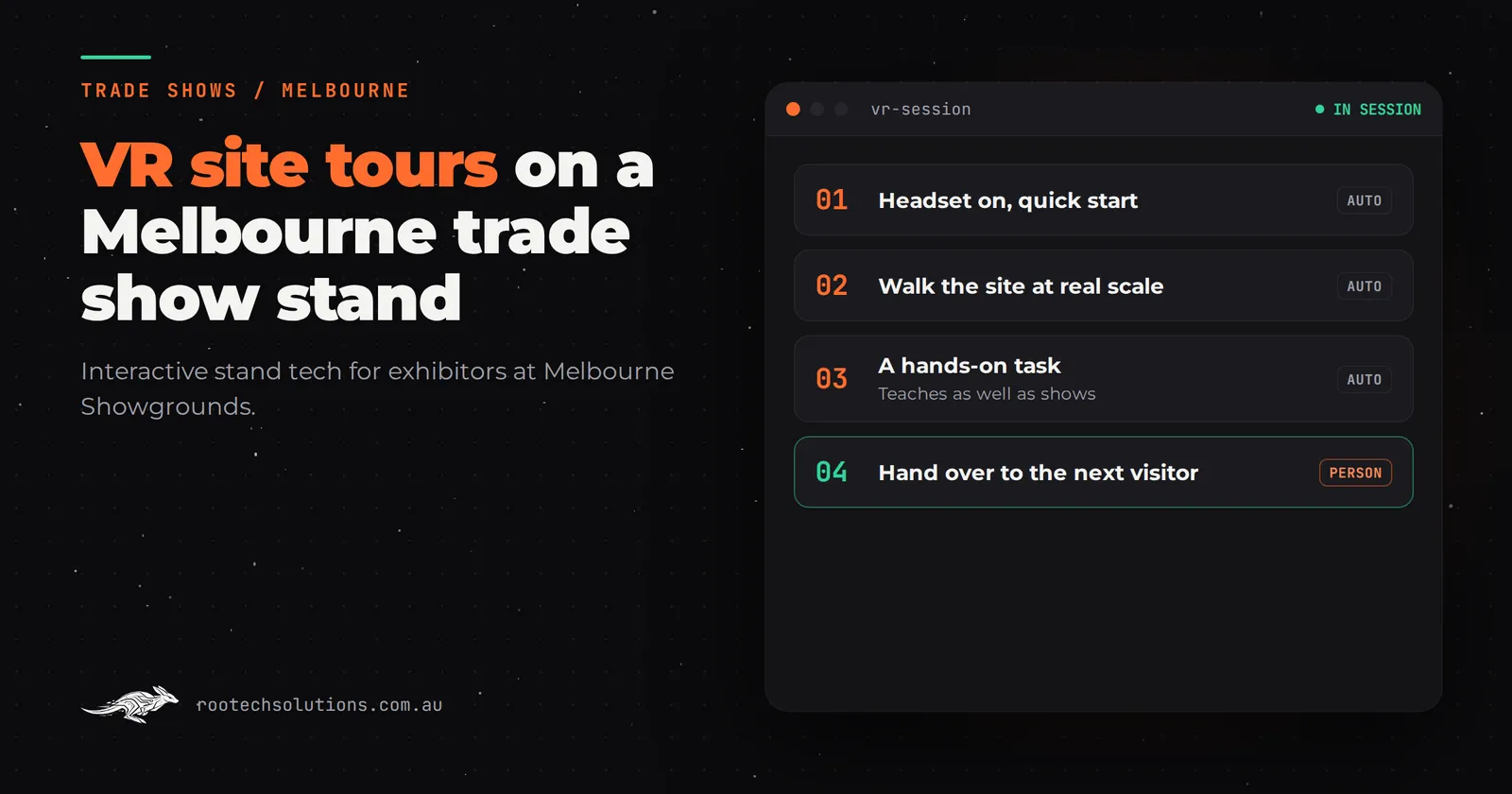
What the 60-second visit actually looks like
Design for the show floor, not for a boardroom demo. A visitor walking past your stand gives you about 30 to 60 seconds, and the headset adds friction, so the experience has to earn that minute.
A shape that works:
- First five seconds. The visitor sees someone already in a headset looking around in obvious surprise, and a screen showing what that person sees. That mirroring screen is doing half your marketing: passers-by watch the experience before they try it.
- First fifteen seconds. They have the headset on and are standing at the site's best vantage point. No menus, no loading screens, no safety briefing longer than one sentence.
- The middle. They look around the site, move through two or three key locations, and see one or two things highlighted: the piece of equipment you sell, the stage of construction you want to discuss, the before and after of your work.
- The end. The headset comes off and a team member is right there with one question: "What did you think of the treatment stage?" That handoff is where the lead happens.
Keep the total experience to two or three minutes. Longer than that and you create a queue, and a queue at a trade show stand is lost visitors, not proof of popularity.
What makes a VR tour survive a show floor
The unglamorous engineering decides whether this works. Venue conditions at big Melbourne venues are hard on software: shared Wi-Fi with thousands of devices, floor vibration, bright lighting, eight-hour days, and staff who are not your developers.
Build for these conditions:
- Runs offline. The whole experience lives on the headset. Venue internet is shared with thousands of people and must not be in your critical path. Download everything before you leave the office.
- Boots straight in. Power on and the tour is ready. No login, no updates, no configuration at 8am on day one.
- Idle reset. If a visitor walks away mid-experience, the headset returns to the start automatically so the next visitor does not inherit someone else's halfway point.
- Hygiene and turnover. Disposable face covers or an easy wipe-down routine, and a staffed flow so one person is finishing while the next is being briefed.
- Crash recovery. If something stalls, a staff member restarts it in seconds, not minutes. Test this before the show, not during it.
- Content your team can edit. Between shows you will want to swap a site, add a stage of the project or update numbers. If every change needs a developer, your tour goes stale.
These same points apply to any interactive stand, which is why touchscreen capability explorers solve the same problem in a different format: the pattern is the same, the hardware is different.
What a VR site tour costs
Be honest with yourself here: VR is the premium end of interactive trade show tech, not the cheap end. As rough estimates in AUD, software only, hardware hired separately:
| Build type | Indicative software cost |
|---|---|
| Templated content touchscreen app | $5,000 to $15,000 |
| Custom touchscreen with video and animation | $15,000 to $30,000 |
| Computer vision or motion game | $30,000 to $80,000 |
| Bespoke multi-headset VR site tour | Priced per project; expect the top of this range |
A VR site tour sits at the bespoke end because every site is modelled or captured specifically for you. The main cost drivers are how the site is captured (existing 3D models, drone or LiDAR capture, or modelling from drawings), how many locations inside the tour, how interactive it is (look-around only versus things to pick up and inspect), and how many headsets run the same experience at once. Hardware is hired rather than bought for a single show; check current rates with an AV or VR hire company, because they move.
Ask for a fixed price before work starts. A quoted range that drifts is the fastest way to lose confidence in the whole project, which is one of the reasons engineers doing the work without agency layers change the price conversation.
How to brief it and how long it takes
Come to the first call with three things: the site or asset you want people to walk through, what you want a visitor to understand by the end, and your show dates. That is enough to scope it.
A realistic sequence for a first VR tour:
- Scoping call and fixed price agreed.
- Site content gathered: models, captures, drawings, photos, the story beats.
- Build and test on the actual headset model you will use at the show.
- Handover: your team walks through it, and the content plan for updates between shows is agreed.
Most builds at Rootech ship in two to four weeks; a bespoke VR tour with new site capture takes longer, so start six to eight weeks before the show if you can. Shorter lead times are possible when existing models and footage already exist.
Should you reuse it after the show?
Yes, and this is where the money argument improves. A headset tour is not single-use:
- Sales teams use the same tour in client meetings, which is often where it earns more than it did on the stand.
- Tender and proposal presentations: walk the panel through the site instead of describing it.
- Inductions and stakeholder briefings for people who cannot travel to the site.
- Next show: update the content, reuse the build.
The proof is in the work itself. Experience the Energy (/work/experience-the-energy), a VR experience built with MammothXR, takes people onto energy sites they would otherwise never see and lets them work through what happens there, at any event the client attends. Adapting Futures (/work/adapting-futures) puts students and career changers inside energy sector roles before they commit to a career path. Both were built to be used repeatedly, one headset at a time, wherever the client takes them.
Is a headset even the right format for your stand?
It depends on your goal. VR is at its best when the visitor must feel present in a place. If your goal is mass interaction with minimal staffing, a touchscreen product explorer handles more visitors per hour. If you want people playing and gathering a crowd, a motion or computer vision game does that better. If the priority is capturing and following up leads the same day, see how same-day AI follow-up worked for Adelaide food and wine exhibitors. Match the format to the goal, not the other way around.
Frequently asked questions
How many headsets do we need on the stand?
Two is a common starting point: one in use, one being cleaned and reset. A single headset creates queues; more than three needs dedicated staffing.
Does the VR tour need internet at the venue?
No, and it should not rely on it. The experience runs entirely on the headset, downloaded before the show. Venue Wi-Fi is shared with thousands of attendees and must never be in your critical path.
Can visitors see what the headset wearer sees?
Yes, and they should. A screen mirroring the headset view is essential: it draws people over, lets the team join the conversation, and stops the stand looking closed off.
How long should the experience run?
Two to three minutes. Long enough to make an impression, short enough to keep the line moving and let staff hand off to a real conversation.
Is the content reusable for other shows and sales meetings?
Yes. A well-built tour is updated and reused across shows, client meetings, tenders and briefings. Plan for content updates between events from the start.
If you are exhibiting at an energy or resources event in Melbourne and your product is a site nobody can visit, book a free call with Rootech Solutions. We will look at your product, your show and your stand, and give you a straight answer on whether a VR site tour is the right build. Rootech is a Melbourne studio and offers in-person meetings locally; we deliver interactive stand tech Australia-wide. The free audit fee comes off your first project. See our Melbourne custom software page for how we work.