Product Configurators for Brisbane Home Show Stands
Show every layout, finish and price on a Brisbane home show stand with a product configurator. What it costs, how it works and how to brief it.
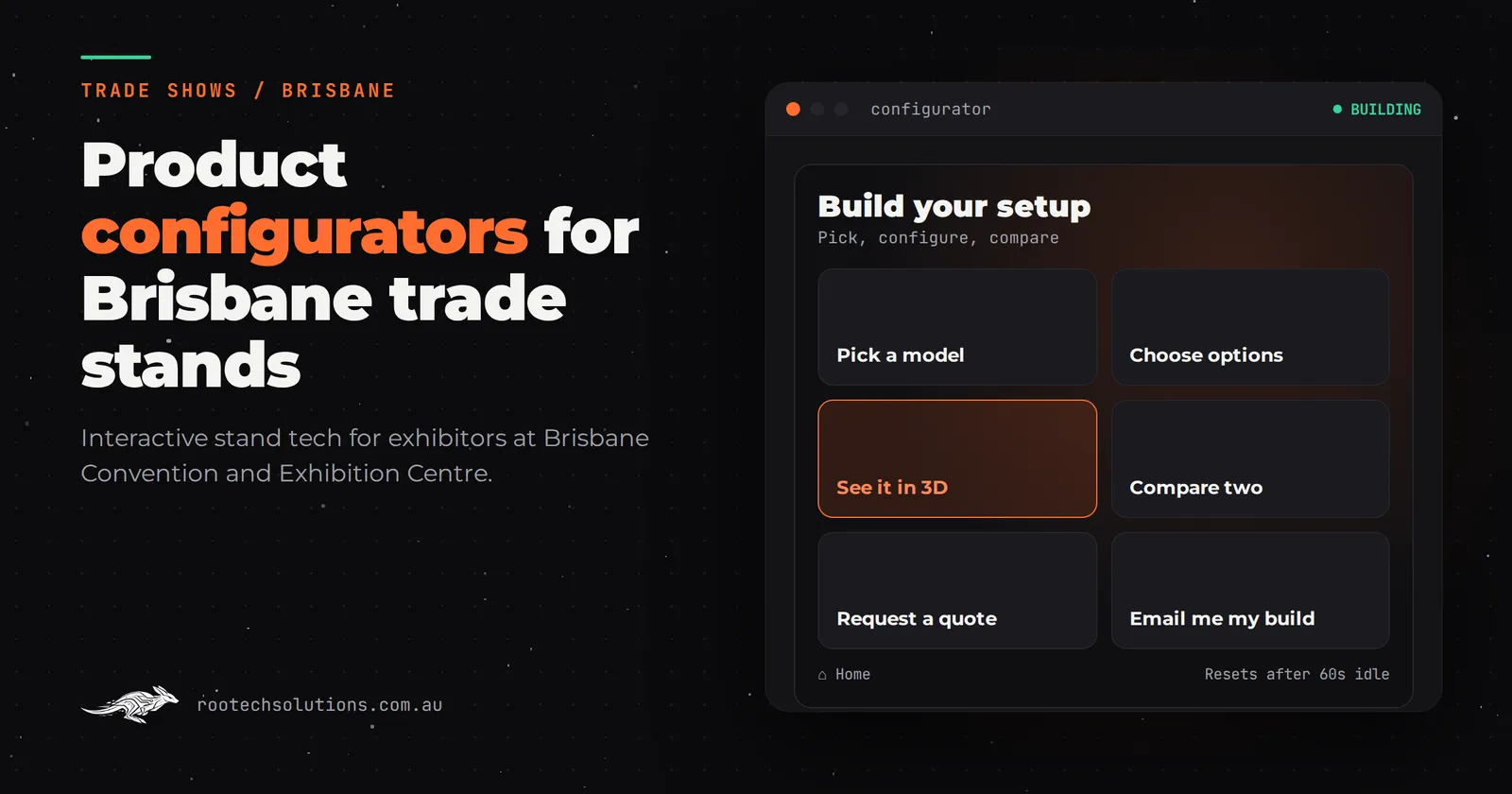
A family walking a home show floor sees a dozen builders, a dozen display homes worth of brochures, and about four seconds of attention span for each one. If your stand is a photowall and a stack of floor plans, the question you get most is "what does it cost", and the answer takes five minutes of your best salesperson's time. A product configurator flips that. The visitor builds their own version of your product on a touchscreen, sees the price change live, and hands you a qualified lead at the end.
Short answer: A product configurator is a touchscreen app where visitors customise your product (layout, materials, colours, options) and see the result and an indicative price instantly. At a Brisbane home show it turns a browsing family into a specific conversation in 60 seconds, captures their details with their dream build attached, and keeps explaining your product when every builder on the floor is busy.
Why does a home show stand need a configurator?
Home and building shows are comparison shopping events. Visitors arrive with a budget range and a rough idea (four bedrooms, flat block, want a butler's pantry) and they walk stand to stand collecting folders. The builder who makes the product real wins the conversation.
A configurator solves the problem every builder has at these shows: you cannot bring the product in every variation. A display home is one floor plan in one colour scheme. A configurator is every version, on one screen, on demand.
It also answers the hardest question on the floor without tying up your team. "How much extra for the second living area with the timber-look cladding?" The visitor answers that themselves by building it, and your staff step in for the questions that actually need a person: block constraints, timelines, finance. If you are weighing whether the screen should just capture leads instead, we cover that in what a stand quiz should ask at a Brisbane careers expo, where the goal is qualification rather than exploration.
What does the visitor actually do?
Design the 60-second visit around the first five seconds.
- Five seconds in: the screen shows a finished home or a product in a real setting, with a one-line invitation: "Build yours in under a minute." No menus, no loading spinners, no login.
- The choices: three to six decisions, not forty. Block width or footprint, facade style, interior palette, kitchen layout, a couple of popular upgrades. Each choice updates the visual and the indicative price immediately, because seeing the price move is the reason people play.
- The finish: the visitor enters their name, email and suburb (or a phone number) and receives their saved configuration, or a QR code that texts it to their phone. The lead arrives in your CRM with the choices attached, which is worth more than ten scanned business cards, because you know what they want before you call.
Case in point: for Minto Apartments we built a sales office touchscreen where buyers explore a 3D model of the building, open the floor plan of any available unit and see the neighbourhood around it. The result was that the conversation started from a unit the buyer had already picked themselves. A home show configurator works the same way, compressed into a minute.
What makes it work on a show floor all day?
The software is the easy part. The things that decide whether it survives three days of foot traffic are the unglamorous ones, and this is where a templated web app usually falls over:
- Boots straight into the experience. No screensaver to click past, no "press to begin" purgatory. The attract loop should be the configurator itself, mid-build, so people see someone else's choices animating and want their own.
- Offline first. Venue Wi-Fi at the Brisbane Convention and Exhibition Centre or Brisbane Showgrounds is shared with hundreds of other exhibitors and thousands of visitors. The configurator must run entirely on the machine, with lead capture queued locally and synced when the connection returns.
- Crash recovery and idle reset. After two minutes of no touch, it resets to the attract loop with the previous visitor's details wiped. If the app freezes, a remote restart from Melbourne should fix it without pulling your team off the floor.
- Home button on every screen. Visitors mid-build who walk away leave the app anywhere. Every screen has one obvious way back to the start.
- Content you can edit between shows. Prices change, a plan gets retired, a new palette launches. You (or we, from Melbourne, over a call) update it without a developer touching the build.
What does a product configurator cost?
Software only, hardware hired separately, indicative figures excluding GST:
| Build level | What you get | Indicative cost (AUD) |
|---|---|---|
| Templated configurator | Your plans, materials and prices in a proven touchscreen framework | $5,000 to $15,000 |
| Custom build with video and animation | Bespoke design, animated transitions, richer 2D/3D visuals | $15,000 to $30,000 |
| Full 3D product configurator | A 3D model of the product the visitor spins and customises | $25,000 to $60,000 |
For a home show, the templated tier is usually the right start: your floor plans and upgrade options presented cleanly with live pricing, plus lead capture built in (lead capture with CRM integration is roughly $4,000 to $12,000 as an add-on if you want it wired straight into your CRM). Most Brisbane exhibitors hire the touchscreen and stand hardware locally rather than buying; check current rates with the hire company, since they vary by show and season. The cost drivers behind touchscreen builds at shows are the same whatever the format, as we explain in what a trade show touchscreen costs.
How do you brief it, and how long does it take?
Bring four things and the build moves fast:
- Your plans and options in plain form. Floor plan PDFs or sketches, the material and colour choices you actually offer, and which options are upgrades.
- A pricing rule you are comfortable publishing. "Indicative, from $X" is fine. The configurator shows an indicative price, not a binding quote, and that should be stated on screen.
- The brand assets. Colours, fonts, photography of finished work. A configurator that looks like a spreadsheet sells nothing.
- Where the leads go. Your CRM, or a shared inbox to start. Capturing details is pointless if nobody sees them until Monday.
Because Rootech builds and tests remotely from Melbourne, the process is: video call to scope, build on the same screen model we ship, then a setup call with your team before the show. Most builds of this type ship in two to four weeks, so a build started a month before show day is realistic. Start earlier and you have time to walk the whole flow yourself before the doors open. You can read more about how we work with Queensland exhibitors at custom software in Brisbane.
Can you reuse it across shows?
Yes, and you should. This is the strongest argument for a configurator over a one-off stand activation: the software is an asset. Change the options and pricing for the next show, plug in different lead capture settings, and the same build serves the Sydney, Melbourne and Brisbane circuits.
Two habits make reuse work. First, keep a content review between shows so prices and plans stay current (an out-of-date configurator is worse than none, because it makes promises your sales team has to walk back). Second, review the lead data after each show: which options people choose most tells you what to feature on the stand and what to stock, which is information most exhibitors never get.
Off the shelf or custom?
Off-the-shelf configurator tools exist, and for a simple product with fixed options they can work; check their current pricing and whether they let you self-host the lead data. The line where custom earns its price is threefold: your product has real variation (plans, block widths, structural options), you need the leads in your own CRM rather than a vendor's dashboard, and you want the same build reused across shows under your own brand. The same logic applies if you are comparing interactive builds on a tight budget, which we look at in interactive touchscreens for less.
Frequently asked questions
What screen size works best for a configurator?
A 43 to 55 inch touchscreen in portrait is the usual choice at home shows: big enough for two people to see the plan at once, small enough to fit a standard stand. Portrait suits floor plans and works well when the stand is narrow. The screen can be hired locally; the software runs on standard Windows hardware.
Can visitors configure on their own phones?
Yes. A QR code on the stand can open a phone-friendly version of the configurator, which is useful for the people who queue behind whoever is at the screen. Keep the phone version shorter (three or four choices) so it finishes before they walk to the next stand.
Does the price shown become a quote?
No, and it should not. The screen should label the figure an indicative price and your team confirms the real quote afterward. This keeps you clear of misleading-claims rules (see the ACCC guidance at https://www.accc.gov.au/business/advertising-and-promotions/false-or-misleading-claims) and avoids the sales team discounting against a number the tool invented.
What if the venue Wi-Fi drops?
The app runs offline on the touchscreen, and lead capture queues locally. When the connection returns, the leads sync to your CRM or inbox. Assume the Wi-Fi will fail at some point on day one and design for it; venue Wi-Fi at a big show is shared with everyone else on the floor.
How far ahead of the show should we start?
Four to six weeks is comfortable for a first configurator: scoping and briefing in week one, build and testing over two to three, and a setup call with your team in the final week. Two weeks is possible for a templated build but leaves little room for you to review your own plans on the screen before show day.
Planning a Brisbane home show stand? Book a free call and we will look at your product, your show and your stand, then tell you honestly whether a configurator is the right build or whether a simpler touchscreen would do the job for less.