Is Your Vibe-Coded App Safe With Real Customer Data?
Your AI-built app holds real customer records now. What to check before it leaks: database rules, exposed keys, backups. A plain guide for founders.
You built a course platform with Bolt and Supabase in a few weekends. Coaches signed up, paid, and uploaded their students' names, emails and payment records. Now it works, users depend on it, and one question keeps you up at night: is this thing actually safe to hold other people's data?
Most founders ask this the other way round. They ask after something goes wrong, not before. This post is the version where you ask it early, with a checklist you can run yourself this week without hiring anyone.
Short answer: Probably not yet, and that is normal. AI builders are built to get an idea in front of people fast, not to hold private records. The five things that matter are server-side permissions, hidden secrets, backups, a tested restore, and knowing who can see what. Run the self-check below; if any answer is "I don't know", fix that first.
Why "it works" and "it's safe" are different things
When you prompt an AI builder, it optimises for one thing: making the screen you described appear. That is exactly what you wanted in week one. But the same habit that gets you a working app in a weekend also gets you a database where every table is readable by anyone with an account, because open settings never broke a screen.
Supabase is a good product doing what you configured it to do. The gap is not the tool. The gap is that a prototype and a production app have different jobs: a prototype proves the idea, a production app protects the people using it. Real customer data moves you from the first job to the second, whether you planned for it or not.
If you have paying users and private records, you are running a production app. The question is whether you are running one on purpose or by accident.
Can a user read someone else's records by changing a number in the URL?
This is the single most important test, and it takes ten minutes.
Open your app, log in as a normal user, and look at a page that shows one of their records: an order, a booking, a student profile. Notice the web address. It often contains a number or a long ID. Change that ID to a slightly different value and reload.
Two things can happen. Either the app shows "not found" or an error, which is what you want. Or it cheerfully displays someone else's data, which means your app checks who is logged in but not who the record belongs to.
This happens because AI-built apps often check permissions in the browser. The browser is the user's computer, not yours. Anything checked only in the browser can be skipped by anyone who knows how to open developer tools. Real permission checks have to happen on the server, where the user cannot touch them. In Supabase this is what row level security is for: rules on the database itself that say which rows each logged-in user may read and write.
Check the rules in your Supabase dashboard. If you see tables with no rules, or rules that allow anyone to read everything, that is your first fix.
Are your secret keys visible in the browser?
Every app that talks to a payment provider, sends email or calls an AI model needs a key. Keys come in two flavours: ones it is fine to publish, and ones that would let a stranger spend your money or use your accounts.
Open your app in a browser, press F12 to open developer tools, and look at the Network tab while you use the app. Look for anything that looks like a long key or token in a request. Some keys are designed to be public (a Supabase "anon" key, a Stripe "publishable" key). Others are not (Stripe "secret" keys, email service API keys, OpenAI keys).
If a secret key appears anywhere in the browser, treat it as compromised. Rotate it (get a new one from the provider, update the server, retire the old one), and move the code that used it to a server-side function where the key never reaches the browser.
This is the failure AI builders produce most often, because the fastest way to make a demo work is to put the key right where the demo needs it.
Do you have backups, and have you actually restored one?
Two separate questions, and founders always answer the first with yes and the second with a pause.
Supabase and most managed databases back things up, but on free and entry plans the backup schedule may be thin, and restoring usually means going back to a point in time, not recovering one accidentally deleted table. And the biggest cause of lost data is not hackers. It is the founder themselves: a hand-edited table, a delete run against the wrong environment, a prompt that asked the AI to "clean up the database".
So do this once this month: export a full copy of your data to a file you store somewhere other than the app's own platform. Then, on a copy of the project, practice putting it back. If you can restore from your own export, you have a real backup. If you cannot, you have a story you will tell ruefully later.
While you are there: if your AI builder lets anyone (including you, via a prompt) change the database structure by hand, start keeping notes of every change. Those notes are called migrations, and they are how a database's shape gets changed safely and repeatably.
Who can see what, and how would you even know?
Privacy obligations are not optional once you hold customer data. Australian businesses fall under the Australian Privacy Principles, which the OAIC oversees (see https://www.oaic.gov.au/privacy/australian-privacy-principles for the current rules). You do not need to become a lawyer. You do need to know three things:
- What data you actually hold. Export it and look. Founders are routinely surprised by what a few weekends of prompting collected: full dates of birth, photos, ID documents nobody needed.
- Who can reach it. Your users, your team, your AI tools (many AI builders copy data into their own systems for context; check what yours keeps), and the platforms underneath.
- What you would do tomorrow morning if you learned data leaked. Who do you tell, how do you shut access, how do you rotate keys. Write it on one page while nothing is wrong.
You will never be able to promise users an app is perfectly safe. You can promise that you know what you are holding and have thought about it, and that shows.
Fix it or keep prompting: which one are you in?
Not every prototype needs a rescue. The decision comes down to what the app is holding and who is relying on it.
| Your situation | What to do |
|---|---|
| No paying users, still testing the idea | Keep prompting. Cheap to throw away. Fix nothing yet. |
| A handful of friendly testers, no money moving | Fix the permission rules and back up your data. Keep going. |
| Paying users, private records, payments live | The foundation has to change. Rebuild underneath. |
| An investor or a business customer asking about security | Same, plus documentation. Due diligence will find what you skipped. |
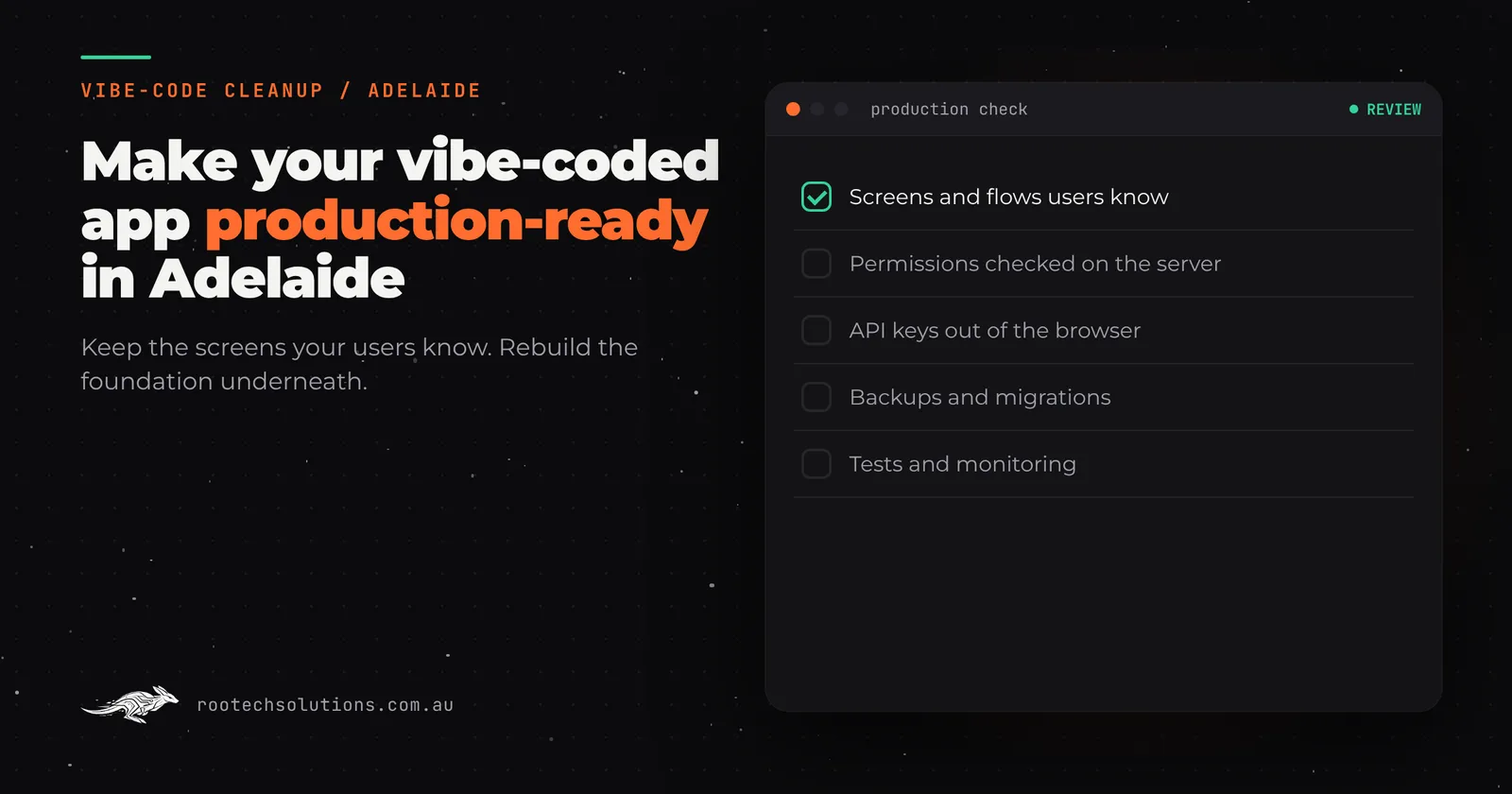
If you are in the bottom two rows, the good news is that the rescue is less dramatic than it sounds. The screens and flows your users know stay the same. What changes is the foundation underneath: permissions checked on the server, secrets moved out of the browser, backups, tests, and changes to the database made through proper migrations instead of hand edits. The prototype keeps running while the new foundation is built beside it, then users and records move across in a planned switch-over. That is what a vibe code cleanup does; you can see how we approach it on the vibe code cleanup page.
The practical sequence, if you do it yourself:
- Fix row level security first. Wrong permissions are the one problem that silently exposes data today.
- Rotate any secret key that has ever appeared in the browser.
- Export a backup you have tested restoring.
- Then decide on the rebuild, because with those three done, the clock is no longer ticking.
The self-check for this week
- Log in as a normal user and change a record ID in the URL. What happens?
- Press F12, use the app, and search the network traffic for secret-looking keys. Any there?
- Open your database dashboard. Does every table have permission rules you understand?
- Can you restore your data from your own export, today, without asking anyone?
- If your AI builder changed its pricing or features tomorrow, would your app still run?
Five "no" or "don't know" answers does not mean you were foolish. It means you did what the tools encouraged: you shipped fast. Now the app has a different job, and it needs the parts that job requires.
Can you keep using AI tools after you fix it?
Yes. This is worth saying plainly, because founders fear that hardening an app means abandoning the workflow they enjoy. On a codebase with tests and a review step, AI coding tools are safer to use than before, because the tests catch the damage a bad prompt would otherwise ship. The pattern that works: keep prompting for features, keep permissions and secrets governed by rules a human checks, and never let a prompt change the database structure without a recorded migration.
How Rootech fits in
We are a Melbourne software studio working Australia-wide, Adelaide founders included. Delivery outside Melbourne is remote: video calls for discovery and reviews, cloud builds, nothing lost in the handover. On every build the client owns the code and the accounts stay in their name.
If the self-check turned up problems, send us what you built. We will review your prototype at a fixed price and tell you what actually needs changing, which is sometimes less than you fear and occasionally more. If you are still shaping the idea rather than rescuing an app, book a free call instead and we will scope a first version properly. You can read what a cleanup looks like across a whole product in Vibe Code Cleanup in Australia: What It Is and How Rootech Helps, and what to weigh when an app already has users in My Lovable App Has Real Users: Fix It or Rebuild?. For how we work with Adelaide clients generally, see custom software development in Adelaide.
Frequently asked questions
How much does it cost to make a vibe-coded app production-ready?
It depends on how much the app does. A small app with clean screens and a simple data model is a modest job; one with payments, roles and a drifted database is bigger. We quote a fixed price after reviewing the prototype, before any work starts, and the audit fee comes off the first project.
How long does a cleanup take?
Most Rootech builds ship in two to four weeks, and the prototype keeps running throughout, so users never see a gap.
Will my users notice anything change?
They notice the screens and flows they already know, unchanged. What changes is underneath: permissions, backups, monitoring and reliability.
Do I own the code afterwards?
Yes. Every Rootech build hands over the code, documentation and credentials at launch, and the accounts it runs on stay in your name. You can read more about ownership in Who Owns the Code When You Pay a Developer?.
Can I keep using Bolt and Supabase after a rebuild?
Usually yes. A rebuilt app with tests and review steps is a safer place to use AI tools, not a place that bans them. If the self-check above turned up gaps, send us what you built for a fixed-price prototype review, or book a free call to talk it through at /#contact.