Canberra Electricians: Never Miss an After-Hours Call
Canberra electricians lose emergency and quote calls every evening. See how AI call answering, missed-call text-back and job follow-up capture them.
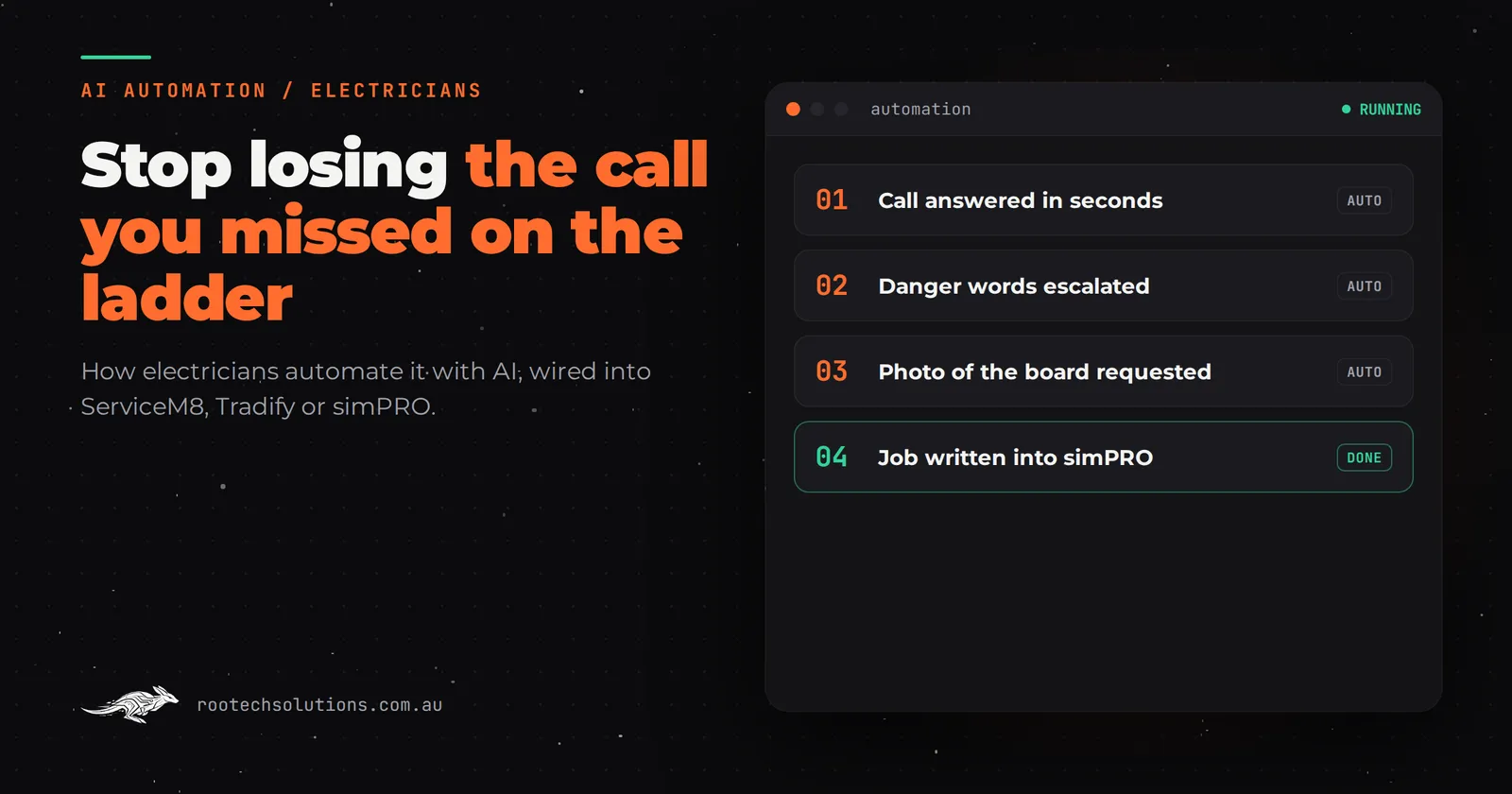
A Canberra homeowner walks into a dark kitchen at 7:40pm, the safety switch tripped and the fridge dead. They ring the first electrician on Google. Your phone is on silent because you are putting the kids to bed. The call goes to voicemail, and the homeowner keeps scrolling to the next sparky. That job was never yours to lose, but you lost it anyway.
Short answer: Most after-hours calls to a Canberra electrician are never answered, and the caller moves on within minutes. An AI call assistant or missed-call text-back replies within seconds, gathers what the job needs, and books it or flags it for you, so the enquiry becomes a booked job instead of a voicemail nobody checks until morning.
Why after-hours calls go to whoever answers first
Emergency electrical work does not wait for business hours. Power outages, burning smells, tripped safety switches and storm damage all cluster in the evening, exactly when you are off the tools, driving home, or asleep. The caller is not shopping around for the cheapest rate. They want the first business that answers, sounds competent, and gives them a time.
Run the numbers on a typical week and the leak shows up fast. If your phone rings after hours ten times a month and you only catch three of those calls, seven enquiries evaporate. Convert two of the seven at an average job value of a few hundred dollars and you have added real money to the month, from calls you were already generating. The marketing worked. The answering did not.
The problem is structural. You cannot answer the phone with both hands in a switchboard, and hiring an after-hours receptionist costs more than most solo operators and small crews can justify. So calls ring out, voicemails pile up, and by the time you listen at 7am the caller booked someone else at 7:05pm the night before.
What AI automation actually does with a missed call
Here is the workflow, step by step:
- The call comes in after hours. If it is not answered within a few rings, the system steps in. On the voice side, an AI receptionist answers in a natural voice, says the business name, and asks what the problem is. On the simpler side, the caller gets an instant text: "Sorry we missed you, this is [business]. What's the issue and where are you located?"
- It sorts the job. Total blackout with a burning smell is different from a power point that stopped working. The AI asks a couple of triage questions, captures the address and contact number, and tags the urgency.
- It writes into your existing tools. The enquiry lands as a job or lead in whatever you already run, whether that is ServiceM8, Tradify, simPRO or just a job spreadsheet. No re-typing at 6am.
- It gives the caller something real. A genuine emergency gets an escalation, a text to your phone with the details so you can decide whether to go out. A non-urgent job gets a promise you can keep: "Someone will call you first thing tomorrow to confirm a time."
- A human stays in the loop. The AI never quotes a call-out fee it was not told about, never promises an arrival time, and never gives electrical safety advice. Anything about money or attendance waits for you. It answers only from information you approved, and it hands off to a person the moment it is unsure.
The result is that every caller gets a response in seconds, the details are captured properly, and you wake up to an organised list instead of a scramble.
Off-the-shelf or custom: where the line sits
You have options, and some of them are fine on their own.
- Missed-call text-back is a commodity. Most VoIP and telco add-ons can send a canned SMS when a call goes unanswered. Cheap, but dumb: it cannot triage, cannot book, cannot tell an emergency from a quote request.
- Off-the-shelf AI receptionists handle the answering and the capture, and some integrate with job software. Check what they cost per minute or per call, and check whether they can write into the system you actually use.
- A custom layer earns its keep when you want the pieces wired to your business: your triage questions, your escalation rules, your job software, your rates disclosed only where you approve. It is also the only route when your workflow is unusual, say you run two crews and want jobs routed by suburb.
If your whole need is "calls get answered and details get logged", buy the off-the-shelf product and be done. If you want the enquiry to flow all the way into quoting and scheduling without you as the human copy-paste bridge, that is where custom integration pays.
The payoff, with labelled assumptions
Assume a solo Canberra electrician taking ten after-hours calls a month, currently catching three. With an AI assistant catching the other seven:
- Enquiries recovered: 7 a month that previously went to voicemail.
- Jobs won: if the existing conversion rate holds, roughly 2 extra jobs a month, framed as an estimate, not a promise.
- Job value: $350 average for call-outs and small repairs, so about $700 a month in added work.
- Running costs: AI usage typically $20 to $200 a month depending on volume, plus hosting usually under $50 a month.
- Payback: the running costs are covered by a fraction of one extra job; the build cost pays back within the first few months at this volume.
Fill in your own numbers in place of these assumptions. If your after-hours volume is one call a month, the maths will not work, and that is a useful thing to know before you spend anything.
What it takes to build
A missed-call text-back with basic capture is a small build, live in a couple of weeks. A full AI voice receptionist with triage, escalation rules and job software integration is a bigger one, typically two to four weeks at fixed price. Rootech builds both, wires them into the tools you already run, and keeps a human in the loop on anything involving money or attendance. You own the code and the accounts it runs on, and bug fixes on what we built are included after launch.
The 15-minute test you can run this week
Before you spend a dollar, get the evidence. Check your call history or voicemail log for the last month and count the calls that came in after 6pm or before 7am. Listen to the voicemails. Ask yourself honestly which ones you returned and which you forgot. That count is the size of the leak, and it tells you whether this automation is worth building for your business.
Where this fits with everything else
After-hours answering is usually the first automation an electrical business builds, because it stops the bleeding fastest. The same capture discipline then applies to the rest of the pipeline. We have written about how slow enquiry follow-up loses bookings for Brisbane skip bin hire, and about how an AI estimator turns plans into a measured, costed takeoff before anyone picks up a scale ruler. Both lessons transfer straight to electrical quoting.
The short version across all of them: capture once, answer fast, and let the software do the retyping.
Frequently asked questions
Will an AI receptionist tell callers something wrong about electrical safety?
It should not be allowed to. A properly built assistant answers only from approved information, never gives safety advice, and escalates anything urgent to you by text. Anything involving money or a commitment to attend stays with a human.
Does this work with ServiceM8, Tradify or simPRO?
In most cases yes. The enquiry is written into your existing job system as a lead or job with the captured details attached, so there is no re-typing. If you run something unusual, that is exactly the case where a custom integration is worth it.
What does it cost to run each month?
As an estimate, AI usage typically runs $20 to $200 a month depending on call volume, and hosting is usually under $50 a month. The build is fixed price and agreed before work starts.
Can callers tell it is not a person?
Possibly, and it matters less than you think. What the caller cares about at 8pm in a dark house is that someone answered, took their details, and told them what happens next. Being told "a technician will call you first thing" beats voicemail every time.
I work solo. Is this too big for a one-person business?
It is the opposite. A solo operator is exactly who misses the most calls, because there is no one else to pick up. Start with simple missed-call text-back if the volume is low, and grow into a voice assistant if the after-hours enquiries justify it.
If you want to know which version fits your call volume and your job software, book a free AI workflow audit with Rootech. The audit fee comes off your first project.