One Trade Show Touchscreen for Every Melbourne Show
One custom touchscreen build can run at every Melbourne show you exhibit at. What it costs, what breaks between shows and how to make it reusable.
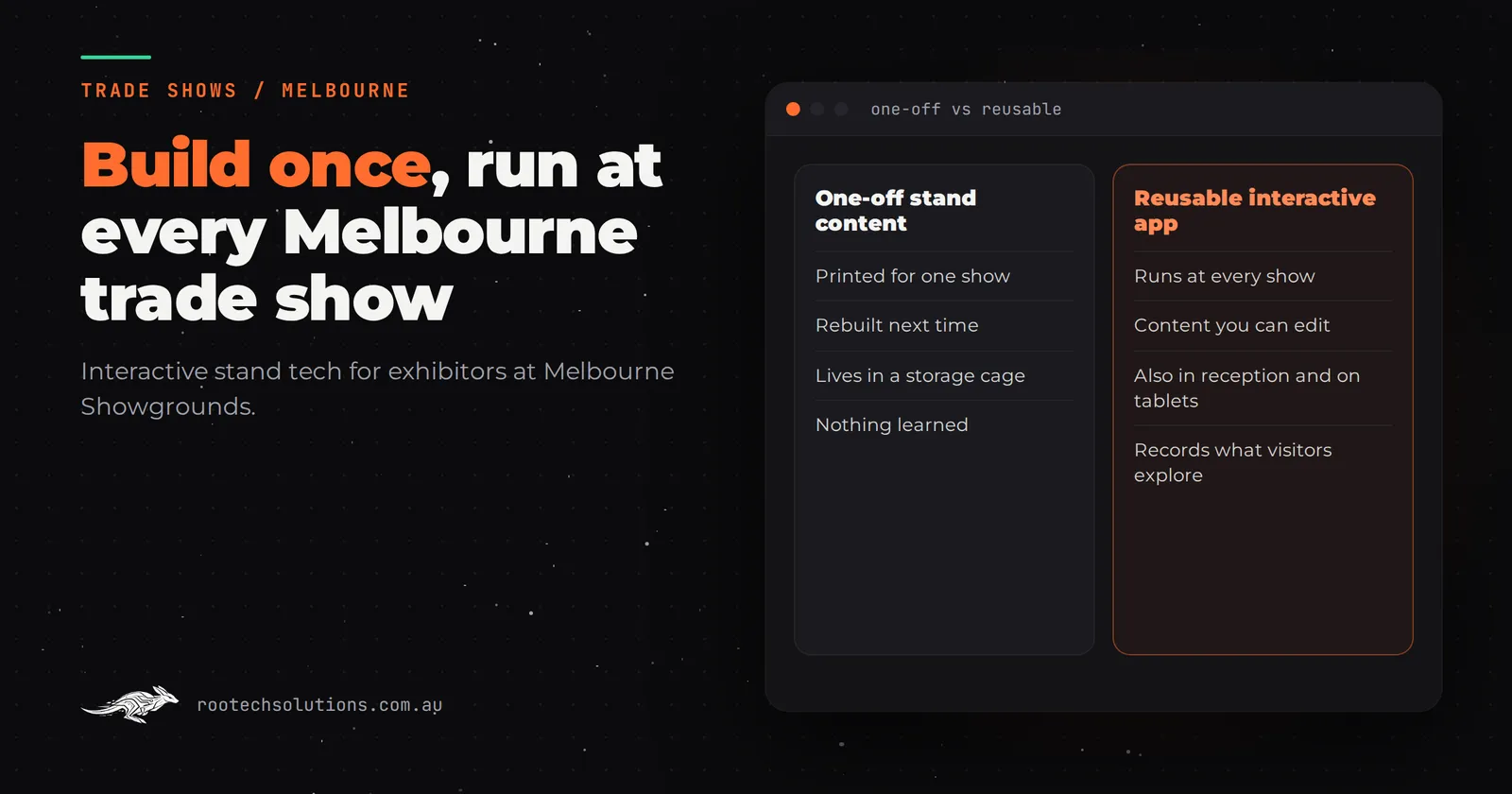
You booked floor space at another Melbourne show this year, and the quote for a new touchscreen app has landed again. Full price, full build time, for something that feels like it should already exist. If you exhibit at two, three or four events a year, paying to rebuild the same interactive experience every time is the fastest way to make interactive tech stop paying for itself.
Short answer: Yes, one touchscreen build can run at every show you exhibit at, provided the software is built for reuse from day one: content your team can edit between events, no venue Wi-Fi dependency, and lead capture that works at every stand it appears on. Plan for reuse up front and you pay for the build once, then a smaller fee to swap content for each show.
Why building once beats rebuilding for every show
Most exhibitors treat each show as a separate project. New stand, new graphics, new interactive piece, new quote. That makes sense for the physical build, because every venue and stand design is different. It makes very little sense for the software.
The interactive experience a visitor has on your stand does not change from show to show. At the Melbourne Convention and Exhibition Centre in March and at Melbourne Showgrounds in spring, your product is the same product. The story you want a visitor to absorb in sixty seconds is the same story. The questions your team gets asked are the same questions.
What changes between shows is smaller than exhibitors assume:
- Which products are on the stand this time
- Seasonal pricing or a new release
- The show's branding on the attract screen
- Which staff are running the stand
Every one of those is a content change, not a software change. If the build puts content editing in your team's hands, swapping shows costs you an afternoon, not a new project.
What gets reused and what gets rebuilt
Be precise about this, because "reuse" gets oversold. A reusable trade show touchscreen has three layers, and they behave differently:
| Layer | Reused across shows? | What changes |
|---|---|---|
| Software and code | Yes, entirely | Nothing. It runs the same everywhere. |
| Content (products, images, video, pricing) | Yes, edited per show | Your team updates it between shows |
| Hardware (screen, stand, mount) | Usually yes | Hired per show or owned; checked and cleaned |
The software is the expensive part, and it is the part that never needs to change. Content is cheap to change if the build includes a simple editing interface. Hardware is either owned and transported or hired locally for each event.
The mistake we see most often is the reverse of reuse: a build where the product list, the videos and the pricing are hard-coded. That is fine for one show. It means every subsequent show is a developer engagement, and the "reusable" screen quietly becomes a per-show cost after all.
What the visitor sees in their sixty seconds
Reuse does not mean a stale experience. The visit itself should be the same proven sequence at every show, because if it worked once it will work again:
- First five seconds. The screen is running an attract loop, full screen, moving, visible from the aisle. A visitor walking past decides in those seconds whether to stop.
- They touch it. One tap takes them from the attract loop into the experience. No instructions on screen they have to read first, no "press start" friction.
- They explore your product. On a product explorer they tap the parts they care about: what it does, how it works, what it costs to run. The screen answers the questions your staff answer forty times a day.
- It ends with a handover. If they want to talk to a person, they tap a button that brings a staff member over. If they are happy to keep browsing, they leave their details and move on.
We built this for CoolIT Systems: a touchscreen installation where visitors explore a liquid-cooled data centre rack and its components with their fingers, so the stand explains itself and the team spends its time on the conversations that follow. That build works at any show they take it to, because the product story on the screen is their story, not one venue's story.
The boring parts that decide whether reuse actually works
A reusable build lives or dies on things nobody photographs. When we build a touchscreen for repeated show use, these are non-negotiable:
- Boots straight into the experience. Power on, and it runs. Nobody at the stand should be troubleshooting software while visitors queue.
- Idle reset and home button. A visitor walks away halfway through; the screen returns itself to the attract loop, ready for the next one. At a busy show this happens dozens of times an hour.
- Offline first. Venue Wi-Fi is shared with thousands of people and half the exhibits. Everything on the screen must run from the device itself. Anything that needs the network (lead syncing) queues and sends when a connection appears.
- Crash recovery. If anything goes wrong, the screen restarts into the experience automatically. There is no show-floor version of "have you tried turning it off and on again".
- Content editing between shows. Your team can update products, images and pricing without a developer. This is the single feature that makes reuse real.
- Lead capture built in. Details captured on the screen flow into your CRM the same way at every show, so your follow-up process does not change either.
Rootech builds these from Melbourne and delivers Australia-wide: the software is built and tested on the same screen model you will run, hardware is hired locally for each event, and the stand team gets set up over a call. You can see what we build at our Melbourne page.
What a reusable trade show touchscreen costs
Software only, excluding GST, with hardware hired separately. These are indicative ranges, not quotes:
| Build type | Indicative cost | Best fit |
|---|---|---|
| Templated content touchscreen app | $5,000 to $15,000 | Product lists, videos and info in a proven layout |
| Custom touchscreen with video and animation | $15,000 to $30,000 | A tailored brand experience with motion |
| Bespoke 3D product touchscreen | $25,000 to $60,000 | Complex or large products visitors must see inside |
| Lead capture with CRM integration (add-on) | $4,000 to $12,000 | Any of the above, if lead flow matters |
Run the arithmetic against your show calendar. If you exhibit at four shows a year and a fresh build would cost even the low end of that table each time, a single reusable build pays for itself within the first year, and the per-show cost after that drops to a content update and hardware hire.
How to brief a build you intend to reuse
Tell the developer the reuse plan on day one, because it changes the architecture:
- List your show calendar. Venues, dates, stand sizes. A screen that runs at a 3x3 stand and a 6x2 island needs a layout that survives both.
- Say what changes between shows. New products? Seasonal pricing? Rebranded attract loop? Each item becomes a requirement for the content editor.
- Decide who edits. If marketing edits, the editor is simple and structured. If nobody edits, you will pay a developer every time, which defeats the purpose.
- Confirm the lead destination. Same CRM at every show, or does it differ? Integration once, reused everywhere.
- Allow two to four weeks. Most Rootech builds ship in two to four weeks at a fixed price agreed before work starts. Bigger builds get a fixed timeline up front.
The brief is where reuse is won or lost. A build designed for one show can sometimes be retrofitted, but a build designed for reuse from the start costs the same and works at every event after the first.
When reusing one build is the wrong call
Honesty check, because reuse is not always right:
- Your product story changes show to show. If you pitch a different proposition to miners than to hospital buyers, one shared experience dilutes both. Two builds, each reused across its own show family, is the better shape.
- You exhibit once a year. The payback maths gets long. A simpler, cheaper build you accept rebuilding occasionally may suit better.
- The stand experience is being redesigned. If the whole stand concept is changing, building the interactive piece last, once the new concept is set, avoids building something you immediately retire.
For everyone else, reuse is the default. And once the screen is running unattended at show after show, the follow-up behind it matters as much as the screen: see how we handle stands that run themselves in our Gold Coast home show guide, or compare the format against video walls and multi-screen stands.
Takeaway
A trade show touchscreen is a one-time software investment with a small per-show upkeep cost, if it is built for reuse: editable content, offline operation, automatic reset and integrated lead capture. Brief the show calendar and the content changes up front, and your third show costs a content update instead of a second build.
Frequently asked questions
Should we buy a screen or hire one for each show?
Either works. Owning one screen means it travels with your stand kit and you know it works; hiring locally for each show means no transport and no storage between events. The software is built and tested on the same screen model either way. Check current hire rates with your AV hire company; we never quote theirs.
What screen size suits a reused build?
The software should adapt to the screen you run it on, but pick a size and stick with it: most product explorers work well on a large portrait or landscape touchscreen mounted at standing height. Changing screen size between shows is a content and layout retest, not just a plug swap.
Does the touchscreen need the venue Wi-Fi?
No, and it should not depend on it. Everything on screen runs from the device itself. Lead capture data queues on the device and syncs when a connection is available, so a bad venue network never costs you a lead.
How does lead capture work across different shows?
The same way at every show: visitors tap to leave their details, the data goes into your CRM, and your follow-up runs the same process each time. That consistency is part of the value; your team learns one routine, not one per event.
How long does a reusable touchscreen build take?
Most builds ship in two to four weeks at a fixed price agreed before work starts. If your next show is sooner than that, say so in the brief; scoping happens first and the timeline is fixed before any work begins.
If you exhibit at several shows a year and want one build that pays for itself across all of them, book a free call with Rootech. We will look at your product, your show calendar and your stand, and tell you whether a reusable touchscreen makes sense before you spend anything. The audit fee comes off your first project if you go ahead.