What a Gold Coast Event Planner Should Automate First
A Gold Coast event planner loses hours to enquiry replies, vendor chasing and follow-up emails. Here is what to automate first, what to skip, and a DIY.
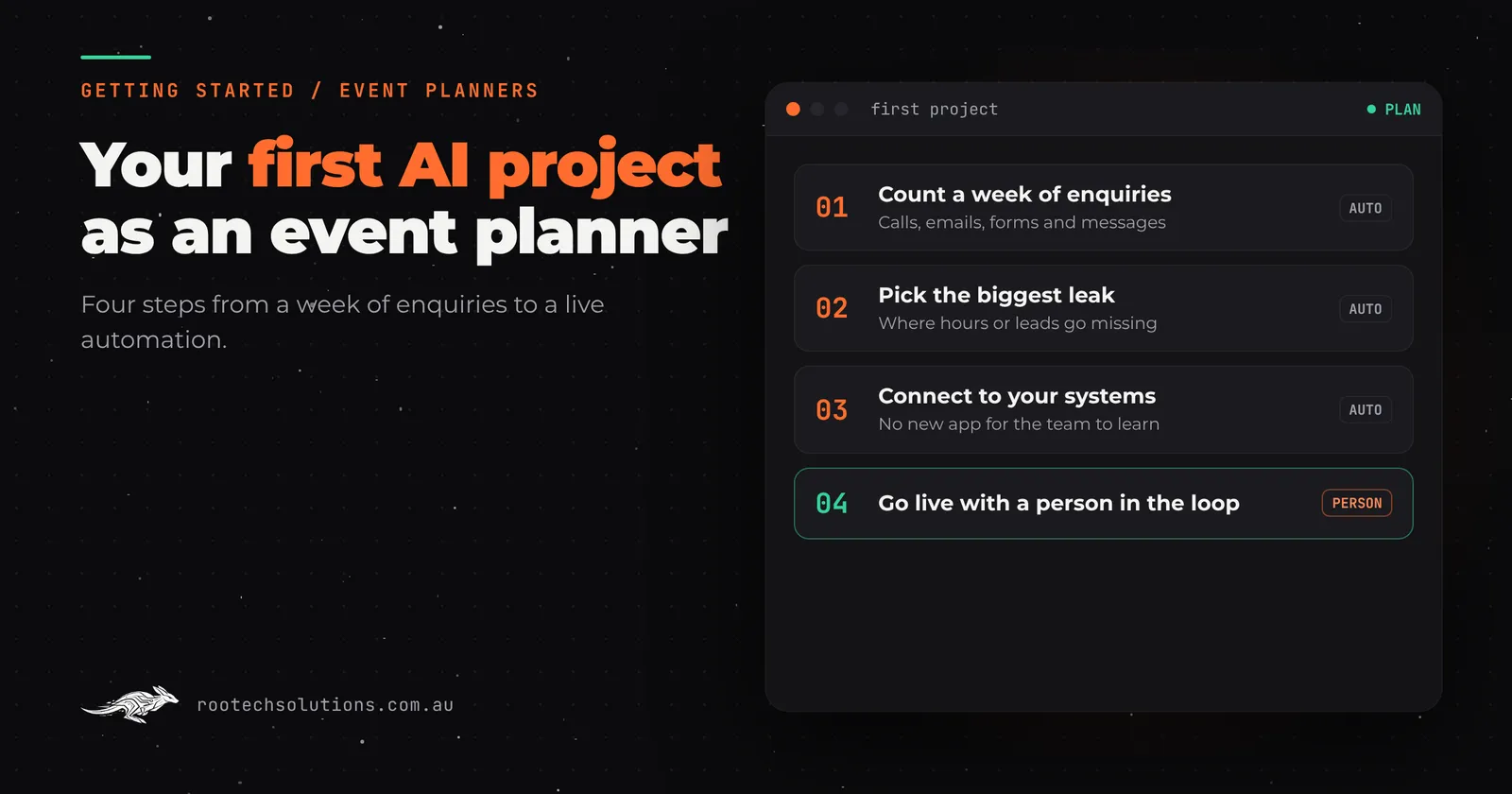
You got into events to run them, not to spend Sunday night replying to enquiry forms from three weeks ago. If you plan weddings, corporate functions or festivals on the Gold Coast, the admin around each event probably takes longer than the event itself, and the leads you never got back to are gone.
Short answer: Start by automating enquiry capture and first response, because most Gold Coast event planners lose bookings to slow replies, not to competitors. Then automate quote follow-up and vendor coordination. Leave creative work, pricing judgement and client relationships to yourself. Most first builds take two to four weeks and connect to tools you already use.
Why enquiries are the first thing to fix
Event planning is a speed business. A couple planning their wedding typically sends the same enquiry to three or four planners and books whoever responds with real substance first. A corporate EA organising the Christmas party does the same. If you reply the next business day, you are usually second or third.
The problem is not effort. It is that enquiries arrive while you are on site at a venue, mid-site-inspection, or running a function, and by the time you sit down at 9pm, the momentum is gone. An automation changes the sequence: the enquiry lands, the system instantly replies with useful information (your packages, your process, availability questions to get moving), books a call slot, and pings you only when a qualified lead needs your actual attention.
That first reply does not close the job. It buys you hours so you can reply properly while the client still feels looked after. We wrote about the same leak in catering businesses: Adelaide caterers losing function bookings to exactly this gap between enquiry and first reply.
The priority list: automate these in order
- Enquiry capture and first response. Every form, DM and missed call becomes a structured lead with an instant, useful reply. This is first because it protects revenue you already generated through your marketing. Nothing else on this list matters if leads go cold before you see them.
- Quote follow-up. You sent the proposal, the client went quiet, and chasing feels awkward so it slips. An automated check-in after three days and again after ten days, in your tone of voice, recovers bookings you have already won the hard way. There is a full walkthrough of this pattern for removalists: stopping the quote follow-up chase, and the workflow transfers directly.
- Vendor coordination. Confirming caterers, AV, florists and furniture for every event means dozens of emails with the same shape: what date, what venue, what is confirmed, what is outstanding. An assistant that tracks confirmations and nudges vendors who have not replied removes a whole category of Friday-afternoon panic.
- Post-event follow-up and reviews. Thank-you notes, photo requests, feedback forms and Google review invitations, sent on a schedule rather than when you remember.
What to skip for now
Do not start with AI-generated event concepts or mood boards. Two reasons: most planning tools already do a reasonable version of it for free, and the creative pitch is the part of this business where you personally win the job. Automating it saves minutes and costs you the thing clients pay a premium for.
Skip social media scheduling tools too, at least at the start. They are cheap and useful, but they are not where a Gold Coast event planner loses money. Bookings die in the gap between enquiry and reply, and that is where your first dollar should go.
What your existing software already does
Before building anything, check what you pay for. Most event planning platforms (the all-in-one CRM and proposal tools marketed to planners) already have automatic email sequences, enquiry forms and proposal templates. Many planners pay for these features and never turn them on.
A week of using what you already have beats a month of planning something custom. The gaps show up after that: when you want the enquiry data to flow into your own quoting, when you want AI to read a venue's floor plan and produce a run sheet, or when you want vendor confirmations tracked across systems that do not talk to each other. That is where a custom layer on top of your existing tools earns its keep, and where custom business software built around your actual process starts to make sense.
A DIY step you can take this week
Before spending anything, count. Open your last four weeks of enquiries and write down, for each one: when it arrived, when you first replied, and whether it turned into a booked job. Most planners who do this find replies took a day or more for at least a third of enquiries, and that unquoted or unreplied leads were the biggest single leak.
That one page of numbers tells you which automation to build first, and it gives you a baseline so you can tell whether the automation actually worked. Also write out the ten questions every new client asks (availability, pricing, what is included, how the planning process runs). Those answers become the content of your automated first reply, written in your own words.
What a first build looks like
A sensible first project for an event planner is narrow: enquiry capture from your website, Facebook and Instagram messages, and missed calls, feeding into one system with an instant AI first response and a call-booking link. Everything escalates to you for anything about price commitments or guarantees, so a person stays in the loop where money is involved. Typical build time is two to four weeks at a fixed price, running costs are usually modest (hosting under $50 a month, AI usage typically $20 to $200 a month depending on volume), and it connects to tools you already run. You own the code and the accounts.
For a comparison of buying an off-the-shelf platform versus building, see event software or AI for event planners. And if slow replies generally are the core problem, the fundamentals are in why slow follow-up loses leads.
The takeaway
Automate the response, not the relationship. Fix enquiry speed first because that is where Gold Coast event planners actually lose bookings, add quote follow-up and vendor chasing second, and keep the creative work and the client relationship firmly yours. Do the four-week enquiry audit this week and you will know exactly where your first build should start.
If you would rather have someone map it for you, Rootech offers a free AI workflow audit: we look at where your hours and enquiries leak, tell you what to automate first, and the audit fee comes off your first project if you go ahead. Book a free call.
Frequently asked questions
How much does AI automation cost an event planning business?
As an estimate, a focused first build (enquiry capture with AI first response, connected to your existing tools) is a fixed-price project in the low thousands rather than a monthly consultancy bill, with running costs of hosting under $50 a month plus AI usage typically $20 to $200 a month depending on volume. Anything involving quotes or contracts keeps a human in the loop.
Will clients know they are talking to an AI before I reply?
They should, if it is built honestly. A good first response answers the common questions (services, process, how to book a call) and makes clear a person will follow up personally. It replaces silence, not you.
I use an all-in-one event planning platform. Do I still need automation?
Possibly not much. Turn on the automated sequences you are already paying for first. Custom work earns its keep when you need AI to read documents, coordinate vendors across systems, or make your enquiry data flow into quoting that the platform does not do well.
What is the fastest automation to pay for itself?
Automated quote follow-up. The leads already exist, the proposals are already written, and recovering even one or two bookings a quarter usually covers the build cost. There are no new marketing expenses attached to it.
I am on the Gold Coast. Do you work with businesses there?
Yes. Rootech is a Melbourne software studio working Australia-wide. Outside Melbourne, delivery is remote: video calls for planning and reviews, cloud builds, and handover over a call with your team.