Before and After Photos on a Tradie Website: Do It Right
Before and after photos for your tradie website: how to shoot them on site, caption them for Google, protect customer privacy and give each job a page.
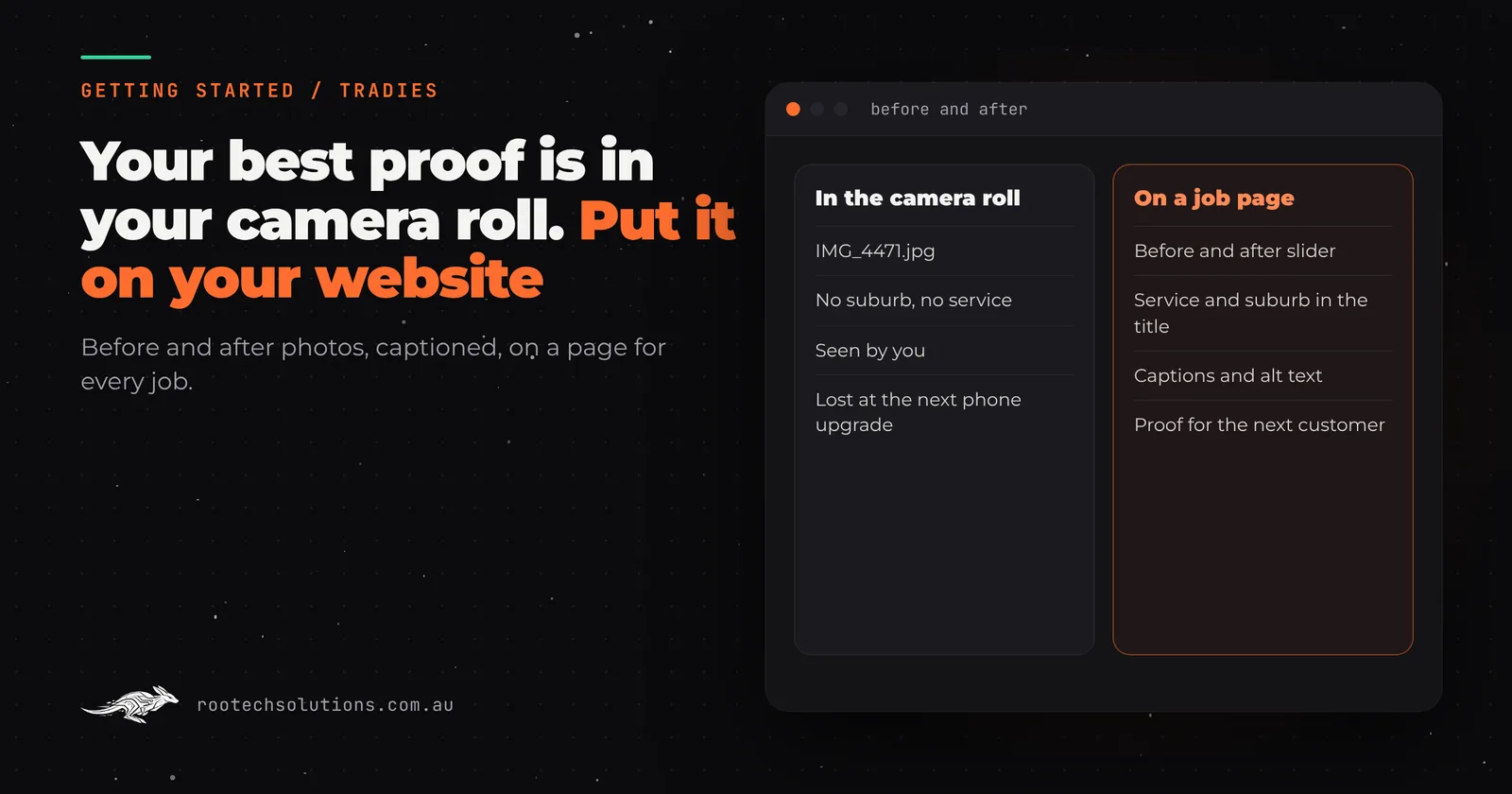
Your camera roll has hundreds of before and after photos: the cracked driveway and the new aggregate, the rotten deck and the oiled one, the 1970s bathroom and the terrazzo one. They are the best proof you have that you are good at what you do. Almost none of them are on your website, and the ones that are sit in a gallery with no captions, named IMG_4471.jpg.
Short answer: Before and after photos work on a tradie website when each pair sits on its own page for the job, titled by the service and suburb, with a caption and alt text describing what changed. Shoot both from the same spot, get the customer's OK, keep house numbers out of frame, and publish the day you finish. A captioned job page beats a gallery of unlabelled photos.
Why do before and after photos matter so much for tradies?
Because a stranger cannot tell a good tradie from a bad one by their website copy. Everyone says "quality workmanship" and "no job too small". A photo of the bathroom before you started, next to the same bathroom when you finished, says it without words, and it is the one thing a competitor cannot copy.
They matter to search engines too. Google's guidance on image SEO says it extracts information about an image from the page around it, including captions and image titles, and recommends placing images "near relevant text and on pages that are relevant to the image subject matter". A photo in a gallery with nothing around it tells Google very little. The same photo on a page titled "Exposed Aggregate Driveway in Craigieburn", with a caption, tells it a lot.
How should you take before and after photos on site?
Same spot, same angle, same orientation, before you touch anything and after you have cleaned up. Most of the impact of a before and after comes from the match: if the before is a wide landscape shot from the doorway and the after is a close-up portrait of the vanity, the eye cannot compare them.
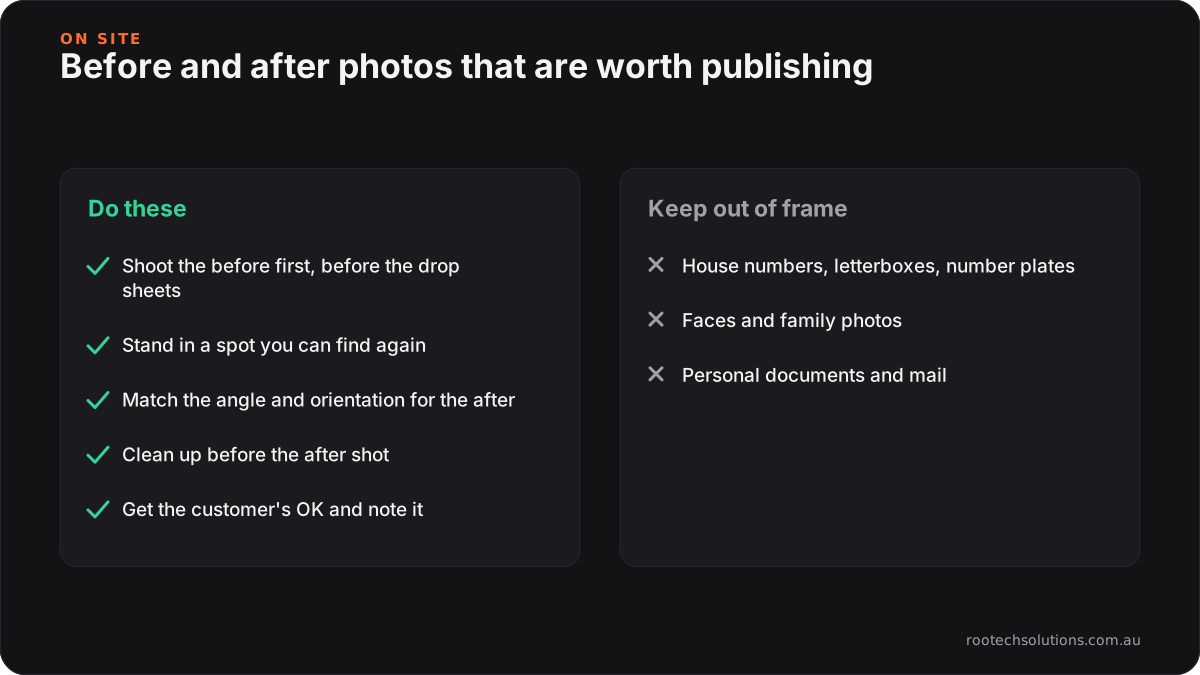
Caption: The match between the two shots does most of the work.
A few habits make a big difference:
- Shoot the before first, every time. Before the drop sheets go down. It is the one photo you cannot go back for.
- Pick a spot you can find again. A doorway, a corner, the end of the driveway. Stand in the same place for the after.
- Match orientation. Landscape for rooms and driveways, portrait for walls and showers, but the same for both shots.
- Clean up before the after. Tools, offcuts and the ute in the background all compete with the work.
- Take a few detail shots. The grout line, the junction, the flashing. These show the care the wide shot cannot.
What about customer privacy?
Ask first, and keep the property anonymous. A customer who is happy for you to show their new bathroom may not want their street number, their kids' drawings on the fridge or their car's number plate on your website. Before you publish:
- Ask for permission when you take the photos, and note the answer.
- Keep house numbers, letterboxes and number plates out of frame, or crop them out.
- Leave out faces, family photos and personal documents in the background.
- Use the suburb, never the street address, in the title and write-up.
If you are collecting the customer's details for anything else, such as a review text, the Australian Privacy Principles are worth a read for how personal information should be handled.
Where should before and after photos go on your website?
On a page for the job, not just in a gallery. A gallery is fine as an index, but each pair deserves its own page with the service and suburb in the title, a short write-up and the rest of the photos from that job. That is the page someone searching for that job in that suburb can land on. We explain why that works for local search in local SEO for tradies.
| Gallery only | A page per job | |
|---|---|---|
| What Google sees | A grid of images, little text | A titled page with captions and a write-up |
| What a visitor learns | "They do bathrooms" | "They did this bathroom, in my suburb, like this" |
| Searches it can match | Your business name | The service plus the suburb |
| How it grows | You add photos when you remember | A new page after every job |
| Where reviews go | A separate page | Next to the job they are about |
On the page itself, a before and after slider (drag to reveal) shows the change better than two photos stacked on top of each other, especially on a phone. Put the rest of the job's photos in a gallery underneath.
How do you write alt text and captions for job photos?
Describe what is in the photo, plainly, as if to someone who cannot see it. Google's example of good alt text is "Dalmatian puppy playing fetch": specific and short. It warns that stuffing alt text with keywords can make a site look like spam.
For a tradie that means:
- Weak: "plumber melbourne best plumber hot water"
- Better: "New heat pump hot water unit installed beside a weatherboard house in Brunswick"
- Caption: "After: the old electric unit replaced with a heat pump, on a new base."
Name the files the same way before you upload them, short but descriptive, such as "hot-water-heat-pump-brunswick-after.jpg" instead of IMG_4471.jpg. Google's same guide recommends descriptive filenames over generic ones.
Writing alt text for twelve photos per job is exactly the kind of task tradies skip. It is also exactly the kind of task AI does well, as long as it describes only what is in the photo.
Should you edit or filter before and after photos?
Light fixes only: straighten, crop, fix the exposure so both shots match. Do not change what the work looks like. Heavy filters, replaced skies and smoothed-out surfaces make the after look better than the job, and a customer who books you because of an edited photo will notice when their own job does not look the same. Under Australian consumer law, misleading claims in your advertising are your problem, and photos count.
How do you get photos from your phone to your website without the admin?
This is where most tradies stop. Exporting, resizing, renaming, logging into the website, making a page, writing a caption: an hour per job, and the photos stay on the phone.
There are three ways to close the gap:
Do it yourself in a website builder. Wix, Squarespace and WordPress all have galleries and can host job pages. It works if you have the time and the habit. Most people manage a few jobs and then stop.
Keep photos in your job app. ServiceM8, Tradify and similar apps let you attach photos to a job, which is good for records and disputes. They are not built to publish those photos to your website as pages.
Publish from your phone as part of finishing the job. This is what Rootech's job pages add-on does for clients with a Rootech website. After each job you open a private link in your phone's browser (no app, no login), enter the service, the suburb, a line on what you did, and your before and after photos. Voice-to-text works in every box. A page for that job goes live with a before and after slider and a gallery, AI writes the title, the Google description and the write-up from your notes and describes each photo for captions and alt text, using only what you wrote. The customer gets a text asking for a Google review in the same step, which we cover in Google reviews for tradies.
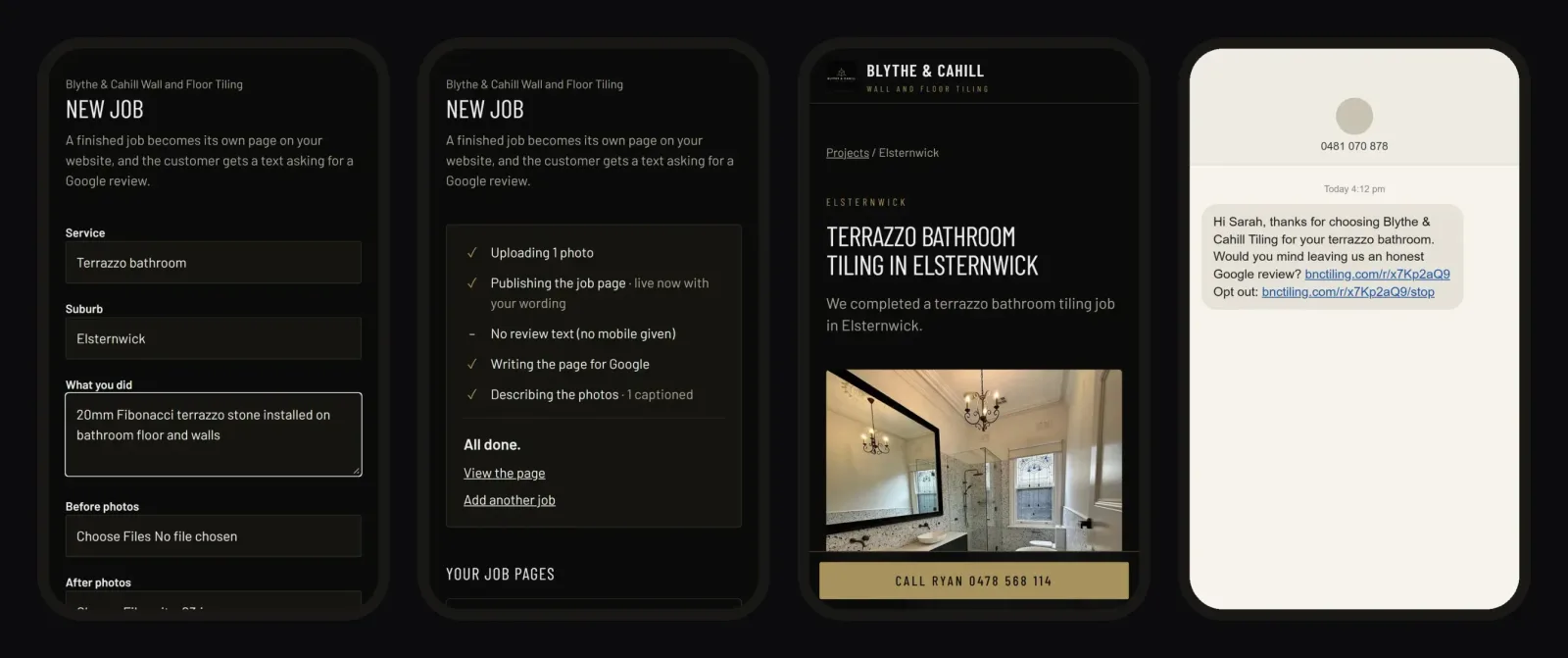
Caption: From the job form to a live page with the photos, in about two minutes on the phone.
You can see it live on the site of Blythe & Cahill Tiling, whose finished jobs become pages like Terrazzo Bathroom Tiling in Elsternwick. For the bigger picture on photos that clients receive after every job, our Bugaboo Landscaping case file shows a booking system that sends each client their own before and after photos when the job closes.
Frequently asked questions
Do I need a professional photographer for before and after photos?
No. A recent phone camera is more than enough for a website, as long as you shoot the before and after from the same spot in good light. Consistency matters more than equipment.
Can I use a customer's photos on my website?
Only with their permission, and with anything that identifies the property or the people kept out of frame. Ask when you take the photos and note the answer, and use the suburb rather than the street address on the page.
How many photos should each job page have?
One clear before and after pair for the slider, plus three to six more from the job showing details, materials or the finished space from other angles. More is fine if each photo shows something new.
Does alt text really matter for a tradie website?
Yes. It is how Google and screen readers understand what a photo shows, and it helps your job photos turn up in image search for the work you do. Describe the photo plainly and leave the keyword stuffing out.
Get your camera roll onto your website
Job pages and Google review texts are an add-on for Rootech websites, hosted and run for you. See how job pages work, or tell us about your jobs: the work you do, the suburbs you cover and roughly how many jobs a week.