AI Automation for Newcastle Optometry: Stop Missed Bookings
Missed calls and lapsed recalls cost Newcastle optometry practices bookings. See what AI automation handles, what stays human, and what it costs to build.
A Newcastle optometry practice does its best work with one person at the front desk and three chairs full of patients. The phone rings during an eye test. A Medicare rebate question waits until 4:45pm. A recall list from six months ago sits untouched because there was never a quiet hour to work through it. None of that is a people problem. It is a workflow problem, and it leaks bookings every week.
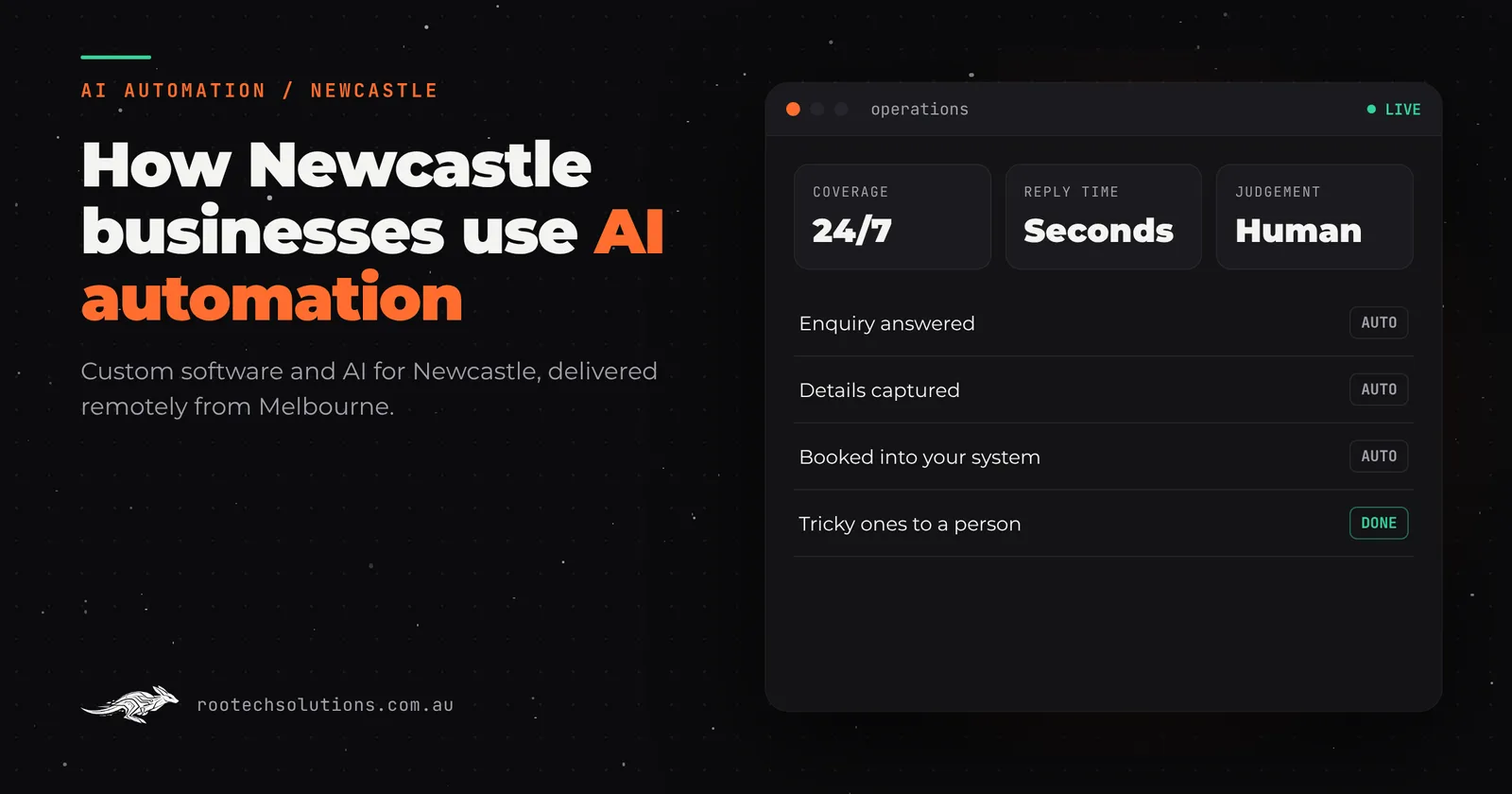
Short answer: AI automation for an optometry practice answers the phone and website enquiries after hours, captures every booking request the front desk cannot get to, and runs recall and reminder follow-up without anyone chasing it. Clinical judgement stays with the optometrist; the AI handles the capture and chasing. Most builds take two to four weeks at a fixed price.
Where the bookings actually leak out of an optometry practice
Map a week at a typical Newcastle practice and the leaks show up in the same three places.
1. Calls that go unanswered mid-consultation. The front desk is often alone, mid-eye-test or dispensing. When the phone rings for the fourth time, the caller hears voicemail and calls the next practice on Google. Some will leave a message. Many will not.
2. After-hours enquiries that arrive as web forms and social messages. People book eye tests in the evening, on their phone, after work. A form submitted at 8pm on Thursday waits until Friday morning for a reply. By then the caller has often booked elsewhere, especially if the reason was sore eyes or a lost contact lens, which do not wait politely.
3. Recalls that never get sent. A recall list is future revenue sitting in the practice software. Working through it means cross-checking dates, texting or calling, and rebooking the ones who respond. It is the first thing that slips when the desk is busy, and a patient who has not been reminded in two years is a patient another practice will remind first.
There are smaller leaks too: rebate and private-health questions repeated twenty times a week, intake details re-keyed from paper into the practice system, appointment reminders sent but never confirmed.
What AI automation actually does in a practice like this
The useful version of AI automation is not a chatbot pretending to be a receptionist. It is a layer that sits beside the front desk and handles the capture and the chasing, then hands judgement calls to a person.
A typical setup for an optometry or allied health practice looks like this:
- Missed and after-hours calls get an immediate response. The AI answers or text-backs within seconds, finds out what the caller needs, and either books a standard appointment into the calendar or holds the details for the desk to confirm. Anything clinical, such as a sudden change in vision or a red painful eye, is flagged for a human straight away, every time.
- Website and social enquiries are answered in minutes, not tomorrow morning. The AI replies with opening hours, booking options and a booking link, using only approved information the practice has signed off. It never invents prices or promises.
- Recalls run themselves. The system reads the recall list in the practice software, works out who is due, sends a friendly text with a booking link, and follows up once or twice on a schedule you set. Patients who book go straight into the diary; patients who do not are reported back for the practice to decide.
- Reminders confirm themselves. Instead of a one-way reminder, the AI asks for a confirm, reschedules the ones who cannot make it, and only escalates the awkward cases to the desk.
Everything is written back into the tools the practice already runs, so nobody re-types anything. Rootech builds these integrations into systems like Cliniko and the common practice platforms; the details vary by software, so the first step is checking what the practice uses.
The human stays in the loop at exactly the points you would want: clinical questions, anything involving money or commitments, and any enquiry the AI is not sure how to answer. Good AI receptionist setups escalate rather than guess.
Off-the-shelf software already does part of this
Most optometry practices run practice management software with reminders and some recall features, and those are worth using. The gaps are the same everywhere:
- The phone and the website are still separate from the diary, so after-hours enquiries stall.
- Recalls exist as a report, not as an automated chase, so somebody still has to work the list.
- Nothing picks up the unanswered call mid-consultation.
A good test this week: count how many calls went to voicemail, how many web enquiries took more than an hour to answer, and how many patients on the recall list were actually rebooked last quarter. If any of those numbers embarrass you, the off-the-shelf features are not being used as automation, they are being used as reports. That is where a custom layer earns its keep. For more on where clinic bookings disappear, see how clinics catch after-hours bookings with an AI receptionist.
What it is worth, in Newcastle dollars
These are labelled assumptions for a small practice; swap in your own numbers.
- Assume 6 missed or after-hours enquiries a week, and that booking half of them is worth one eye test plus glasses or contacts. At a few hundred dollars of average visit value, that is roughly $700 to $900 a week of recovered revenue, or $35,000 a year at the low end of the estimate.
- Assume the desk spends 45 minutes a day on recall chasing and reminder admin. Automating most of that returns about 4 hours a week of front-desk time, which either reduces overtime or lets the desk actually answer the phone during the day.
- Set against typical running costs of under $50 a month for hosting and roughly $20 to $200 a month for AI usage, the payback on a practice-style build is usually measured in weeks, not years. For a fuller cost breakdown for a similar clinic, see what AI automation costs a physio clinic.
What it takes to build
A focused front-desk automation for a clinic is a small build: two to four weeks at a fixed price agreed before work starts. The sequence is simple. First, agree exactly what the AI may say and what it must escalate. Second, connect it to the practice software, the calendar and the phone or website. Third, run it quietly alongside the desk for a week so the team can hear it working. After launch, bug fixes are included and the practice owns the code.
The honest caveat: this only works if the practice software's records are decent. If recalls live in a shoebox of cards, tidy that first. Where the wider admin is the real problem, custom business software built around how the team works is the better first move.
The takeaway
Newcastle optometry practices rarely lose patients to bad care. They lose them to a phone that rang during an eye test and a recall list nobody had time to work. AI automation closes both gaps without replacing the person at the front desk; it just stops that person from being the only bottleneck. Whether you build with Rootech or piece it together yourself, count your voicemails and your recall list this week. The numbers will tell you whether this is worth a conversation.
If you want a outside look at where your bookings are leaking, book a free AI workflow audit with Rootech. The audit fee comes off the first project.
Frequently asked questions
Will an AI receptionist scare off older patients?
Older patients mostly care that someone answers. A fast, plain-English response that books the appointment or promises a callback the next morning beats a voicemail. The AI is set up to escalate anything uncertain to a human, and anything clinical always goes to the optometrist.
Can it handle Medicare and private health questions?
It can answer the common ones, such as what to bring and roughly how claiming works, using only approved information. It never invents rebate amounts or health-fund specifics. Anything involving money or a commitment is flagged for a person.
Does this replace our practice management software?
No. It sits on top of it. The AI reads the diary and recall list, writes bookings back in, and the practice keeps using the system it knows. Rootech integrates with common practice platforms like Cliniko; the first step is checking what your software supports.
What about a sudden vision loss or an emergency call?
That is exactly where the line is drawn. Symptoms that could indicate anything urgent are escalated to a human immediately, every time, and the AI never gives clinical advice. The setup conversation decides these rules before launch, not after an incident.
How long until it is running?
Most clinic builds ship in two to four weeks at a fixed price. The practice keeps its existing software, owns the code, and gets a handover of documentation and credentials at launch.